
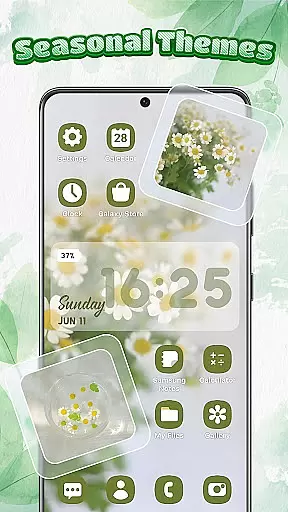
Themebox is a comprehensive personalization app that allows users to fully customize their smartphone's appearance. With over 1000 beautifully designed themes, the app offers an extensive range of customization options including icon packs, color widgets, wallpapers, and control center designs.
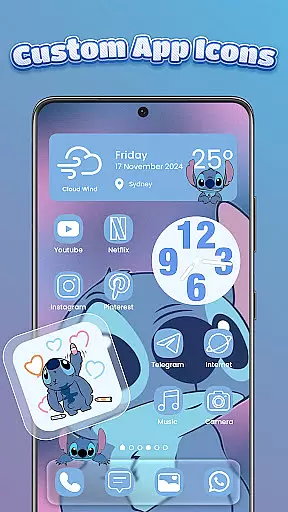
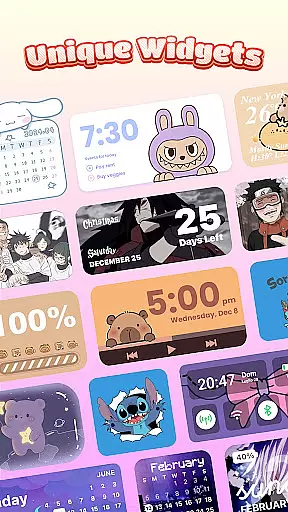
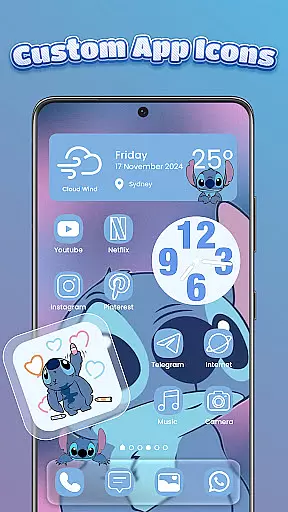
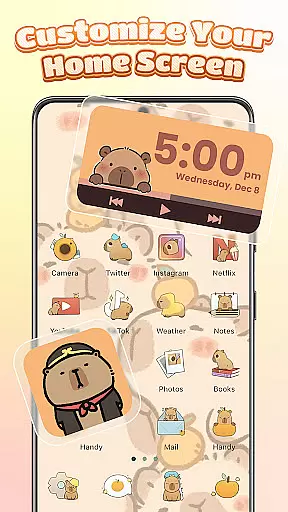
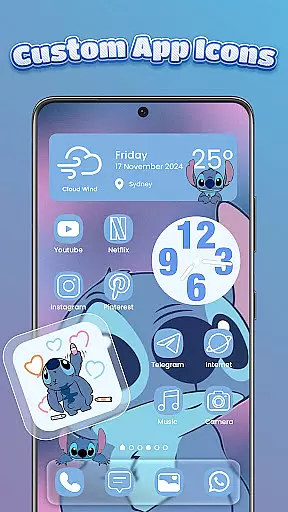
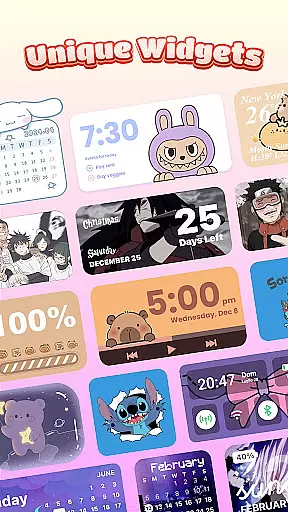
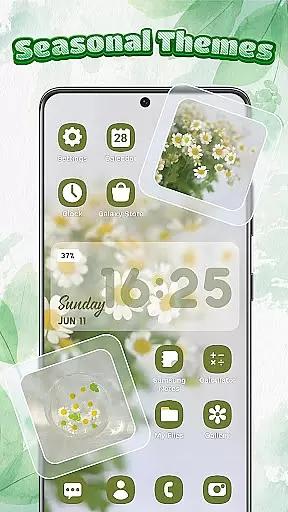
The app's standout feature is its powerful icon changer functionality. Users can modify app icons with various styles, fonts, transparency levels, and backgrounds. The inclusion of interactive widgets for battery status, calendar, weather, and smart control panels adds both aesthetic appeal and practical utility to home screens.
This level of customization is particularly valuable for Android users who want to create unique, personalized device interfaces that reflect their individual style and preferences.
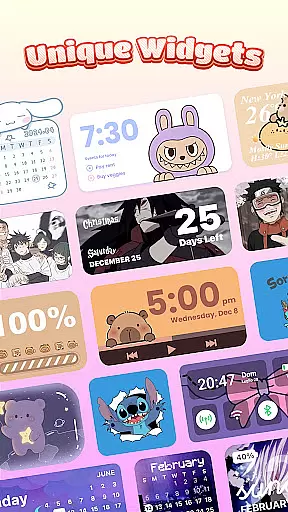
Themebox distinguishes itself through its comprehensive suite of customization tools. The app provides multiple icon packs with options to adjust fonts, colors, and transparency, allowing for truly unique icon designs. Its widget collection includes functional elements like battery indicators and weather displays, all customizable to match user-created themes.
A notable innovation is the Smart Control Center - a floating panel that grants quick access to essential system settings. This feature demonstrates the app's commitment to combining aesthetics with practicality. Additionally, the app's regular theme updates and exclusive releases ensure users always have fresh customization options available.
The app maintains impressive performance despite its feature-rich nature, operating as a lightweight solution for Android personalization. This combination of extensive customization capabilities with efficient performance makes Themebox stand out in the personalization category.
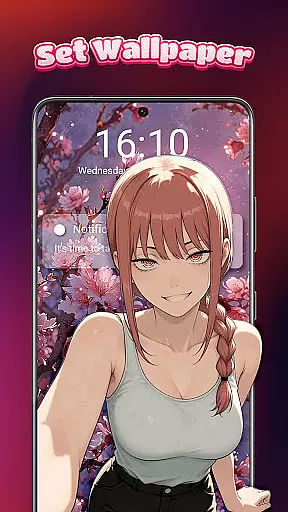
Themebox stands out in the realm of personalization by offering an extensive array of customization options that cater to every user's unique style and preference. With over 1000 beautifully designed themes, users can explore a diverse selection ranging from anime, vintage, minimalist, pastel, to neon styles. This vast library ensures that whether you're inclined towards cute and colorful aesthetics or prefer sleek and modern designs, Themebox has something for everyone.
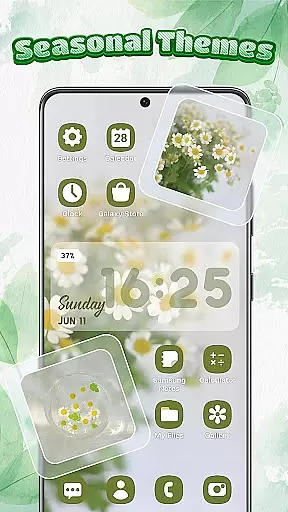
The app icon changer feature is another testament to its versatility, allowing users to alter app icons with ease. You have the creative freedom to mix and match different styles, fonts, transparency levels, and backgrounds. This level of detail extends to color widgets too, which include battery status, calendar, weather, and smart control panel widgets. Each widget is customizable, ensuring they blend seamlessly into your home screenu2019s overall theme.
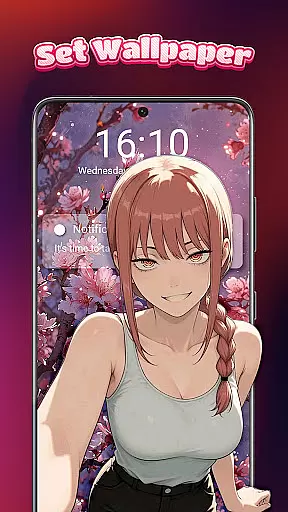
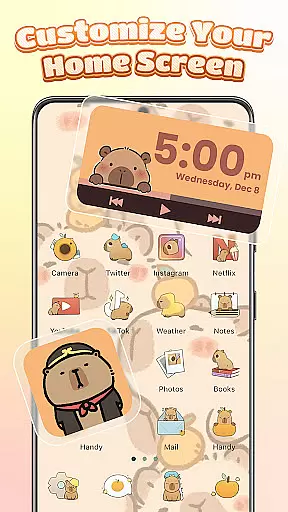
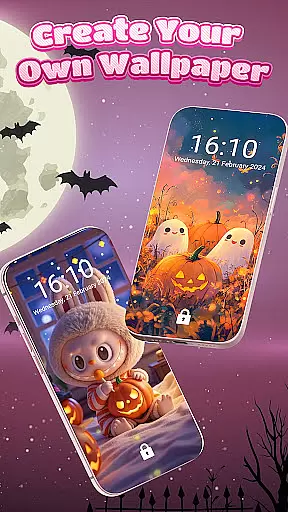
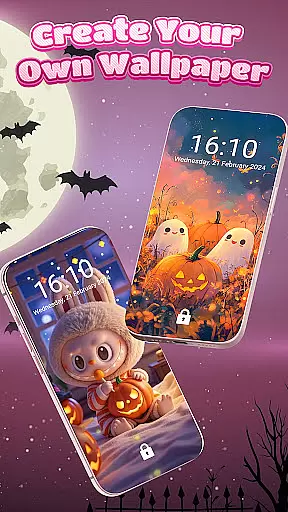
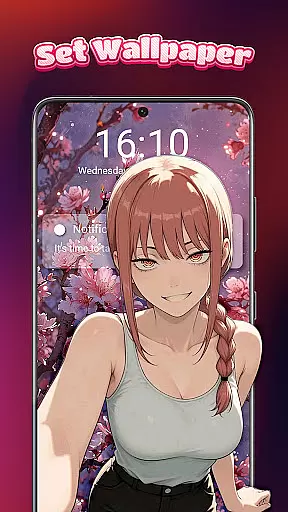
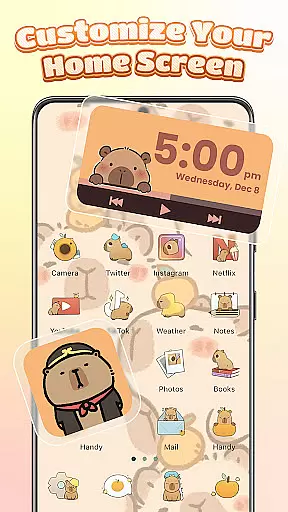
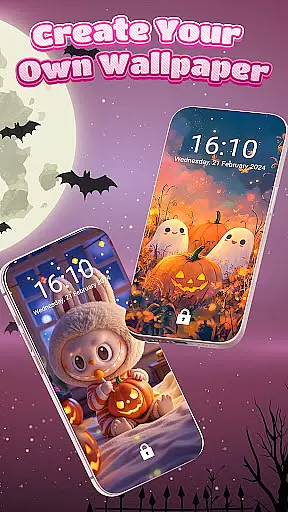
Moreover, Themebox provides a DIY approach to home screen design, empowering users to create their perfect aesthetic. Whether it's through personalized wallpapers or custom icons, the app delivers tools that are both intuitive and powerful. This flexibility not only enhances visual appeal but also improves usability by aligning the interface with individual workflows and preferences.
One of the standout features of Themebox is its exceptional theme compatibility, ensuring that all elements of your home screen maintain visual consistency. Regardless of whether you choose an anime, neon, or pastel theme, each componentu2014from wallpapers to widgetsu2014is designed to work harmoniously together. This cohesion creates a polished and professional look that enhances the overall user experience.
Themebox goes beyond just providing static themes; it offers dynamic and interactive elements such as smart control centers and floating panels. These features are integrated smoothly into the selected theme, maintaining the aesthetic while adding functional value. The smart control center, for instance, allows quick access to essential system settings without disrupting the visual flow of your customized home screen.
In addition to visual harmony, Themebox ensures that updates and new releases are consistent with existing themes. Daily theme updates and exclusive releases keep the content fresh and engaging, encouraging users to experiment with new styles frequently. This commitment to compatibility and continuous improvement makes Themebox a reliable choice for those seeking a cohesive and adaptable home screen experience.
Extensive theme library
Customizable widgets
User-friendly interface
Regular updates
Lightweight performance
Limited iOS support
Premium features locked
Occasional bugs
Ads present
Learning curve

Ultra realistic high quality analog watch face for Wear OS.
 4.60
4.60
Wear Os Watch Face - Seasonal - Animated Snow Effect - 9 Animals
4.20
Make your phone look simple & luxury, like iDevice
4.60
Turn text & photos into stunning AI videos, art, and creative visual stories.
4.50
Nothing Icon pack with more than 3750+ highly crafted icons.
4.70
Customize your home screen with stunning themes, blur, widgets & icons.
4.60
Custom edge gestures for volume control, brightness, apps, and shortcuts.
4.3
300+ Stunning and well-designed widgets inspired by NOTHING.
4.70
300+ Beautifully crafted widgets inspired by OneUI.
4.60
Vertically oriented rectangular icons
4.70
A launcher for Samsung Good Lock and Good Guardians modules without ads
4.70
A minimalist productivity launcher. One-hand-friendly. Zero ads.
4.70
Stunningly Different look with Line Icons and Neon Colors
4.60
Vibrant Adaptive Icons with Material You and Enhanced Monet Colors.
4.50
AI-powered Copilot. Personalized keyboard with gifs, stickers & themes
4.40
Yandex Browser — stylish and secure, with voice search and data compression
4.40
Adult video chat, dating, making friends, random matching
4.20
Unique Fonts, typefaces and stylish text. Fonts for Instagram, Whatsapp & others
4.20
Transform your phone with stunning video wallpapers and a unique, personal touch
3.80



User Reviews