
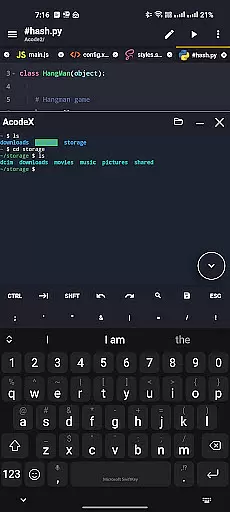
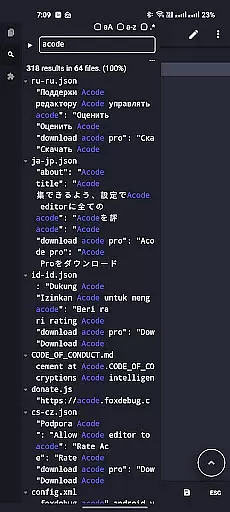
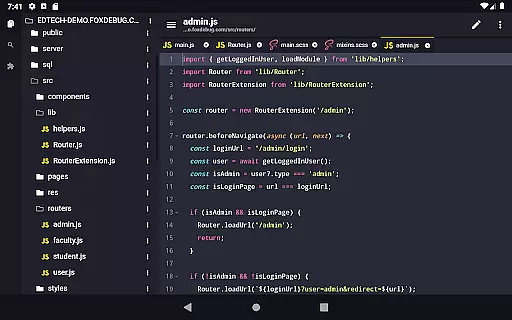
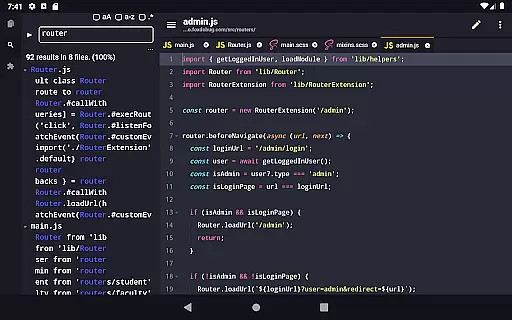
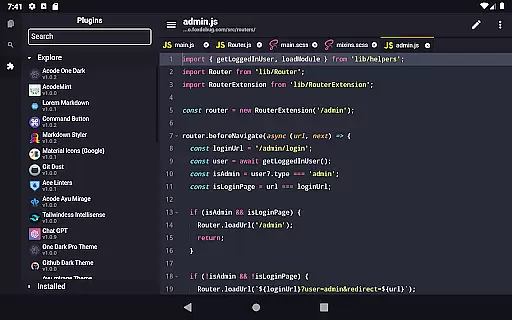
Acode is a powerful, lightweight code editor and web IDE for Android, designed to transform your coding experience. With its innovative Plugin System supporting over 30 plugins, it meets diverse development needs. The app includes an enhanced Ace Editor, search functionality across all files, customizable quick tools, and fast file listing.
Why choose Acode? It allows you to build and run websites directly in your browser, debug with the integrated console, and edit various source files including Python, CSS, Java, JavaScript, and Dart. Its user-friendly interface, extensive syntax highlighting for over 100 programming languages, and personalized themes make coding efficient and enjoyable.
Acode offers a comprehensive set of features tailored for developers. Key highlights include an ad-free experience, universal file editor, GitHub integration, FTP/SFTP support, and extensive syntax highlighting. The app supports over 50,000 lines per file, ensuring high performance even with large projects.
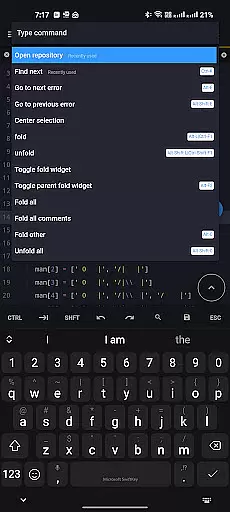
Additional features include in-app preview for HTML/Markdown files, interactive JavaScript console for debugging, multi-file support for productive multitasking, and customizable interface options. Keyboard shortcuts, file recovery, and effective file management further enhance the coding workflow, making Acode a complete solution for mobile development.
Task management is a cornerstone of productivity applications, and Acode excels in this area by providing developers with the tools they need to efficiently manage their coding projects.
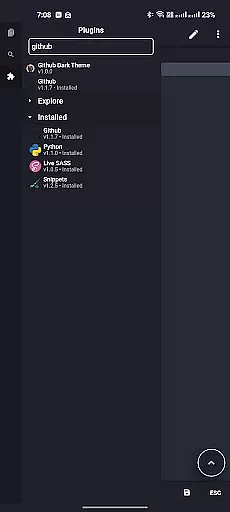
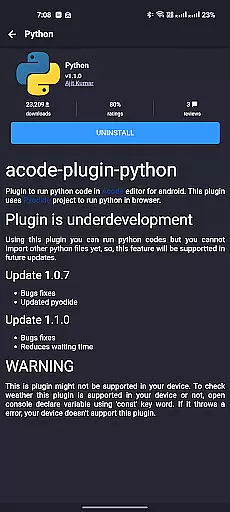
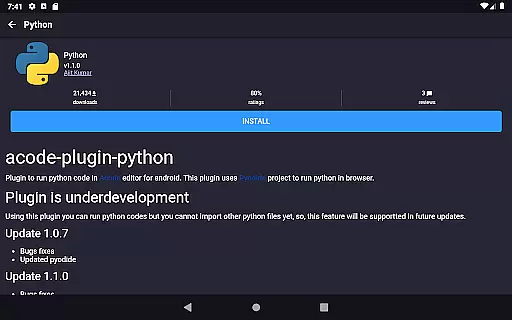
At the heart of Acode's task management capabilities is its powerful Plugin System, which allows users to customize their development environment with over 30 plugins designed to enhance workflow and address specific coding needs. This flexibility ensures that whether you're working on simple scripts or complex web applications, Acode can adapt to your project requirements.
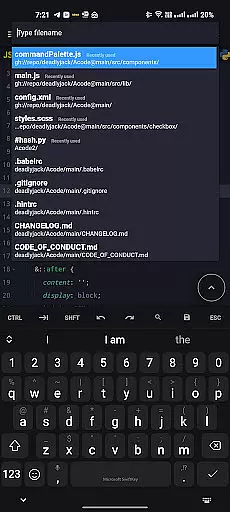
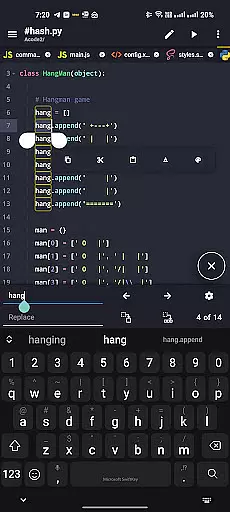
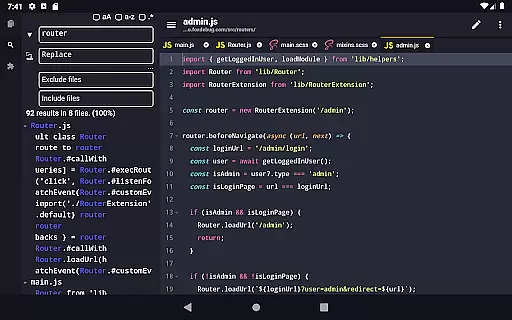
Acode also offers features such as search and replace in all files within opened projects, customizable quick tools, and fast file listing, which collectively contribute to a seamless task management experience. These functions enable coders to navigate through their work with ease, making multitasking not just feasible but efficient.
By integrating these comprehensive task management features, Acode empowers users to maintain an organized and productive workspace, ultimately leading to a more streamlined and effective coding process.
Cross-device synchronization is vital for users who operate in multi-device environments, ensuring that their work is accessible and up-to-date across all their devices. Acode addresses this need by providing reliable synchronization that supports a smooth and continuous workflow.
One of the key synchronization features of Acode is its GitHub integration, which allows for effortless syncing of projects with one of the world's leading software development platforms. This means that whether you're switching from your tablet to your phone or sharing your work with a colleague, your repositories remain consistent and current.
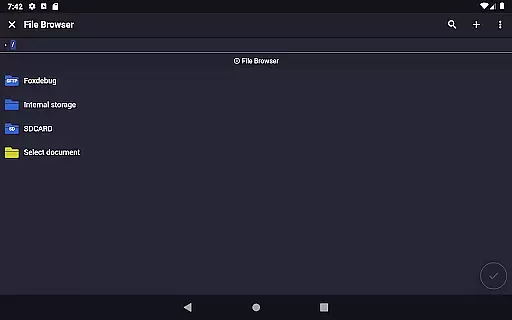
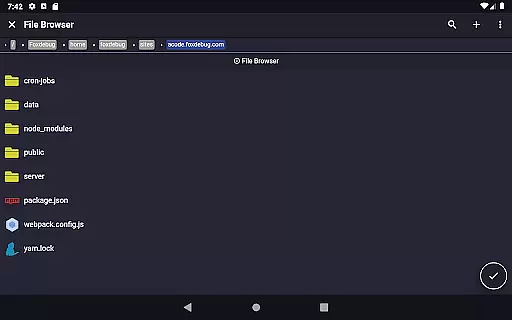
In addition to GitHub support, Acode also provides FTP/SFTP functionality, which is essential for managing files on different servers and devices. This feature guarantees that files are updated in real-time, reducing the risk of version conflicts and data loss.
With these robust cross-device synchronization capabilities, Acode ensures that users can rely on having the most recent versions of their files at their fingertips, regardless of the device they are using, thus maintaining high productivity levels and peace of mind.
Lightweight and fast
Extensive plugin support
GitHub integration
Ad-free environment
High performance
Limited to Android
No iOS version
Some features in beta
Requires technical knowledge
Third-party plugins may vary

Create study competitions, track your hours, and stay consistent with friends
 4.0
4.0
Unlock AutoNotification
4.00
Mega cloud explorer plugin for Solid Explorer
3.80
PDF scanner & converter for files, photos, lottery, QR codes. One swipe away!
4.50
Functional QR scanner and barcode reader that requires little storage space.
4.60
All document reader, all in one file viewer read PDF, DOCX, XLS, PPT, TXT files.
4.60
Best Tool for the professionals Electrician, Electrical contractors, etc.
4.90
Seamlessly read, manage, and organize all your PDF files solution in one place
4.40
Set up, print, and get support—in one place
4.20
We're working to become the best machining app on the market! www.cncdirt.com
4.80
Scan paperwork into PDF/JPG, generate your own e-signature and send fax or email
4.70
App Lock with fingerprint, password: Lock apps & hide photos with lock screens
4.60
Send files, sync SMS, notifications & clipboard across devices via local network
4.40 4.20
4.20
Professional calendar app for Google Calendar, MS Outlook & Exchange
4.20
Activate Two Factor Authentication (2FA or Multi OTP), Password manager and more
4.10
Make your handwriting beautiful, even more than pen on paper.
3.60
AI Video AI Image Private LLM AI Browser Llama Gemma Ollama Connect LLM Studio
4.4
The upgraded version of Name Wheel with AI and the power to add your own wheels.
4.3



User Reviews