
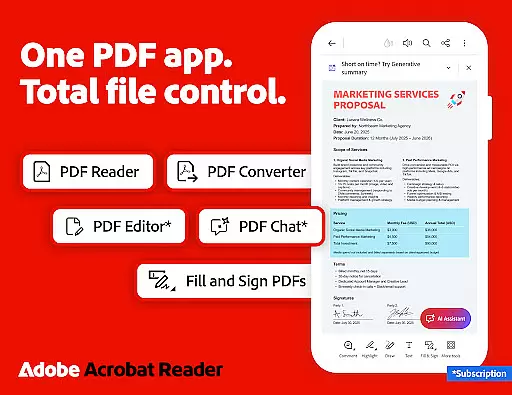
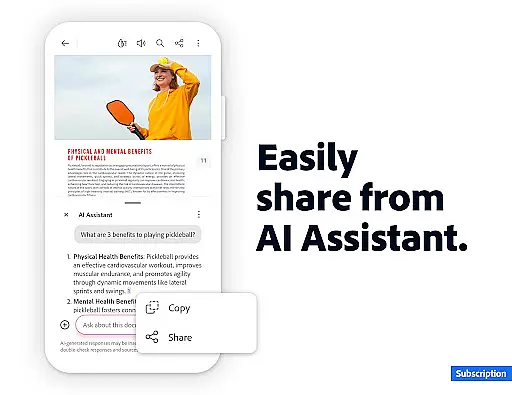
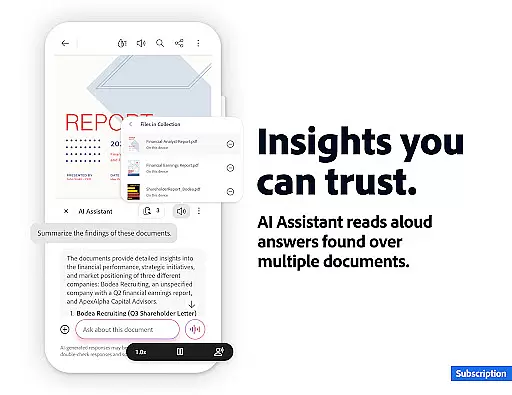
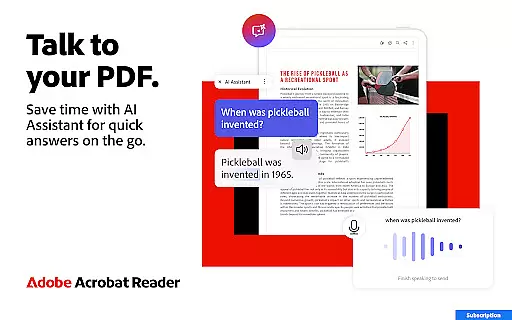
Adobe Acrobat Reader is a comprehensive PDF solution that combines document viewing, editing, and collaboration features. The app's standout feature is the new Adobe Acrobat AI Assistant, which allows users to work across multiple files using PDF Spaces, ask questions about document content through Figures Q&A, and generate instant summaries with Generative AI Summaries.
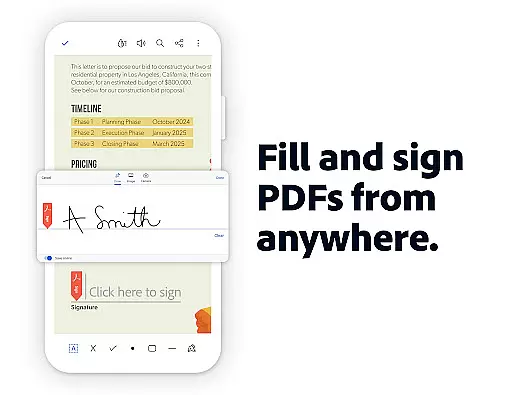
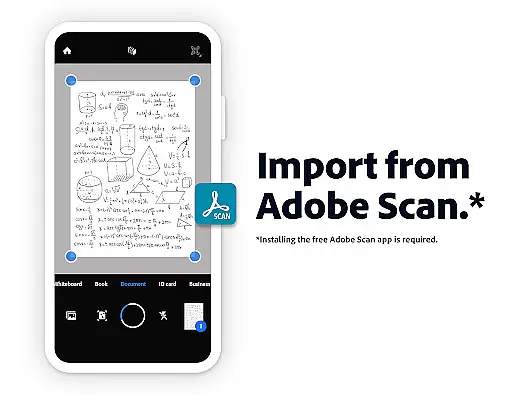
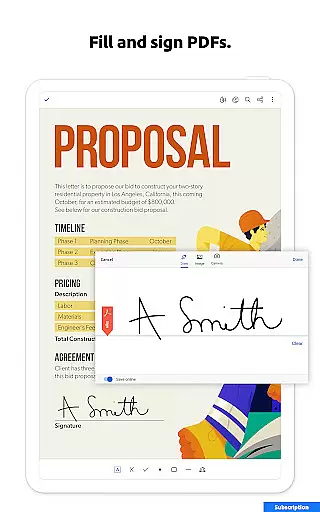
This productivity tool serves as both a PDF reader and editor, enabling users to edit text/images, create and convert PDFs, compress files, and add signatures. Its advanced Optical Character Recognition (OCR) capability makes scanned documents searchable and editable. The application particularly benefits mobile professionals who need to manage PDF documents across devices while maintaining enterprise-level security.
The app's value extends beyond basic document management by offering integrated cloud storage options and cross-platform functionality. Users can connect their Google Drive, Dropbox, or Microsoft OneDrive accounts for seamless file access and management. With over 635 million installs worldwide, it stands as the most trusted PDF solution for both personal and professional use.
Adobe Acrobat Reader distinguishes itself through its robust set of features designed for maximum productivity. The app's AI-powered capabilities include voice-enabled chatbot assistance, multi-file workspace management through PDF Spaces, and intelligent document analysis through Figures Q&A. These features enable users to extract meaningful insights from complex documents, including charts and tables.
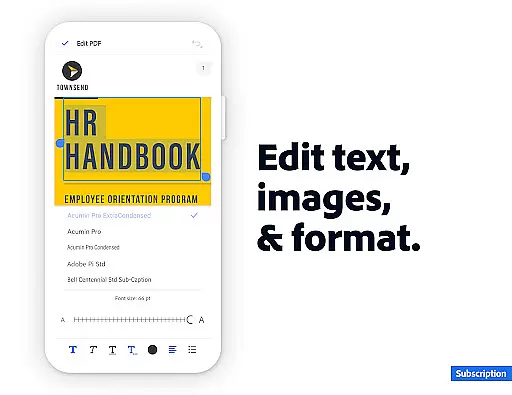
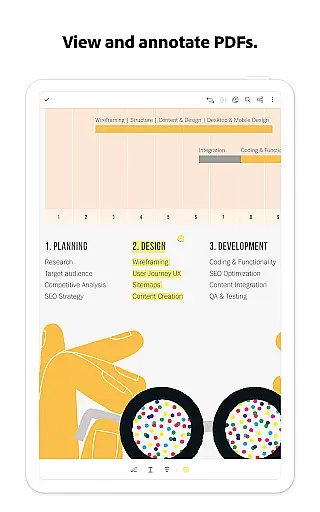
The application provides comprehensive PDF editing tools that allow users to modify text, images, and page layouts directly within PDF files. Its conversion engine supports multiple formats including Word, Excel, PowerPoint, and various image types. Advanced security features like password protection and file compression ensure documents remain safe while optimizing storage space.
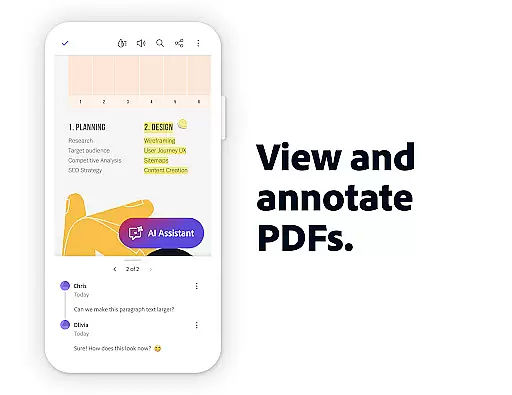
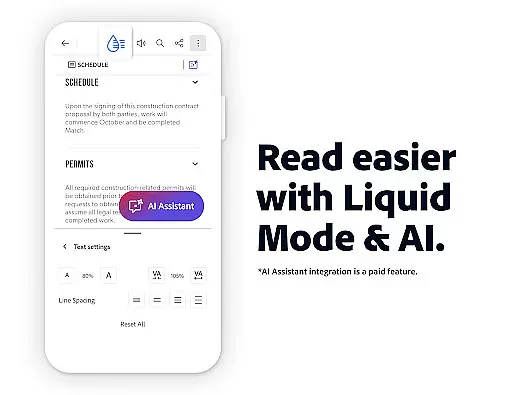
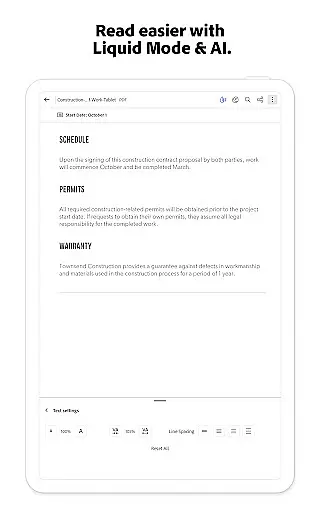
Collaboration features are equally impressive, with real-time commenting, @mention notifications, and activity tracking for shared documents. The Liquid Mode offers optimized reading experiences across devices, while integrated cloud services provide seamless access to files from anywhere. These capabilities make Adobe Acrobat Reader an essential tool for modern document management and team collaboration.
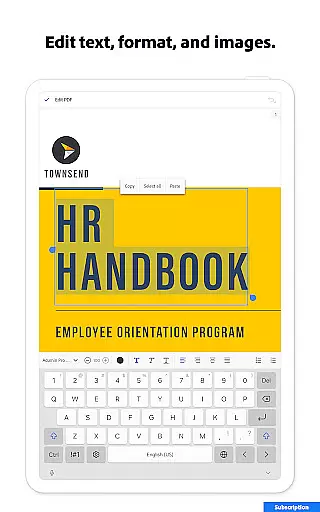
Adobe Acrobat Reader excels in core task management by offering a comprehensive suite of tools designed to handle PDFs efficiently. The app allows users to edit text and images directly within PDFs, fix typos, add paragraphs, and manage images with ease.
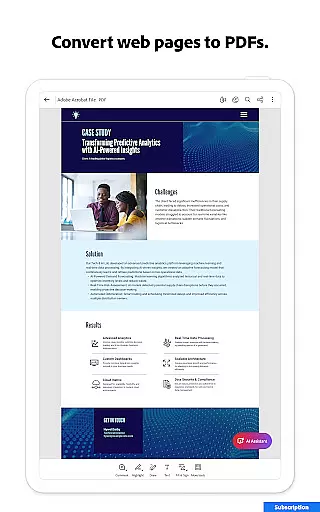
One standout feature is the ability to merge, organize, and convert PDFs effortlessly. Users can split or combine multiple files into one PDF, reorder pages, and even convert web pages or documents from other formats like Microsoft Word into PDFs.
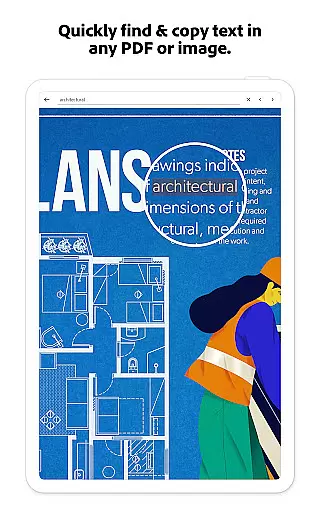
The app also provides advanced functionality such as Optical Character Recognition (OCR), which turns scanned PDFs into searchable and editable text. This makes it easier for users to work with different file types and ensures that all necessary information is accessible and manageable.
With its ability to compress files, protect documents with passwords, and offer read-aloud features, Adobe Acrobat Reader ensures that users can manage their PDF tasks securely and conveniently, enhancing both productivity and document handling.
Cross-device synchronization is a critical feature of Adobe Acrobat Reader, ensuring that users can access their files seamlessly across multiple devices. By linking online storage accounts such as Microsoft OneDrive, Dropbox, or Google Drive, users can store and manage their PDFs in a centralized location.
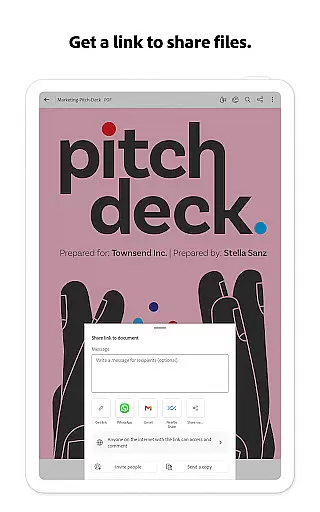
This synchronization capability extends to collaborative features, allowing users to share files for commenting or viewing. The app supports tagging others with @mentions and managing all comments in one place, thus streamlining teamwork and communication.
Acrobat Reader enhances synchronization reliability with its Liquid Mode, which optimizes PDF viewing by adjusting font sizes and spacing to fit any screen. This ensures that users have a consistent and high-quality reading experience, regardless of the device they are using.
Additionally, the app's integration with Google Drive enables users to edit, compress, and export files directly from cloud storage. This reliable cross-device functionality ensures that users can work on their PDFs anytime, anywhere, without losing any data or formatting quality.
Trusted PDF solution
AI-powered features
Comprehensive editing tools
Multi-platform support
Enterprise-grade security
Paid subscription required
Advanced features costly
Complex interface
High resource usage
Limited free features

QuickBooks Workforce lets teams view pay info and track time in one place.
 4.70
4.70
Native client for Forgejo and Gitea
5.00
The Pro Version of Android's tiniest Notepad app. Just 0.3MB but feature-packed!
4.60
A lightweight JSON & XML files creator, editor and viewer (Premium Version)
4.40
We're working to become the best machining app on the market! www.cncdirt.com
4.80
Secure your apps with lock screens, use custom themes and different features.
4.40
AT&T Internet customers can use this app to personalize their Wi-Fi network.
4.40
Seamlessly read, manage, and organize all your PDF files solution in one place
4.40
Put a lock on your cloud: Take the security of your data into your own hands
3.70
Scientific calculator for Android - looks and operates like the real thing!
4.90
App Lock with fingerprint, password: Lock apps & hide photos with lock screens
4.60
Functional QR scanner and barcode reader that requires little storage space.
4.60
To do list widget with a notebook organizer, checklist, simple shopping list
4.60
CalenGoo is a very flexible and feature-rich calendar app
4.40
This small app MUST BE INSTALLED after purchase, else license won't work
4.40
* block pre-roll ads, pop-up and forced redirect ads * Samsung certification app
4.00
Ultimate Virtual AI Character for immersive Roleplay Chat. Perfect Companion
3.90
ID.me Authenticator is a simple and free Two Factor Authentication solution
3.50
A simple, portable logger for POTA, SOTA, Field Day, and more
4.3




User Reviews