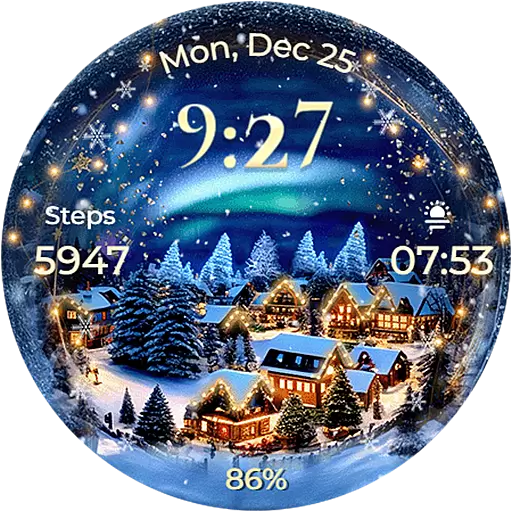
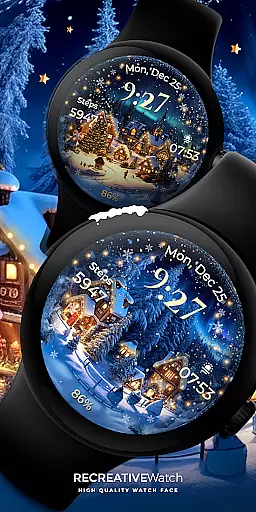
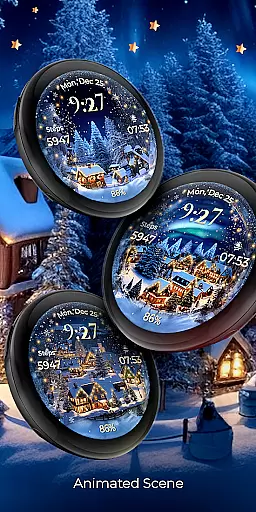
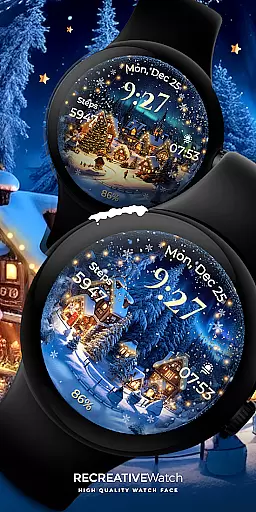
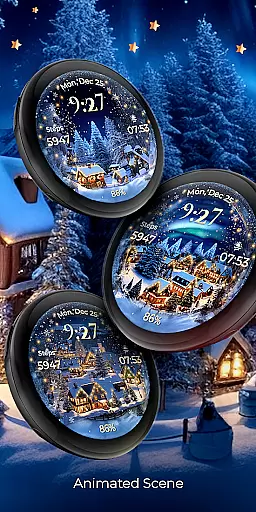
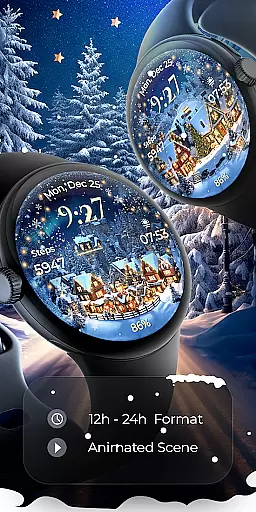
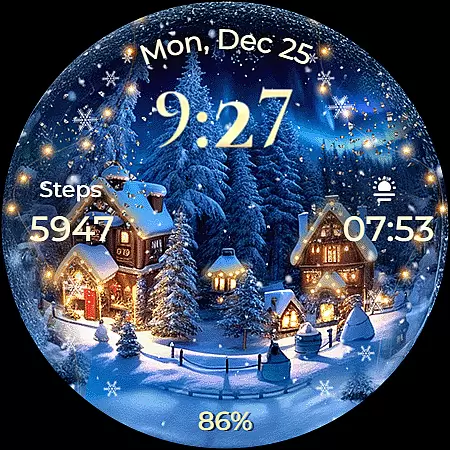
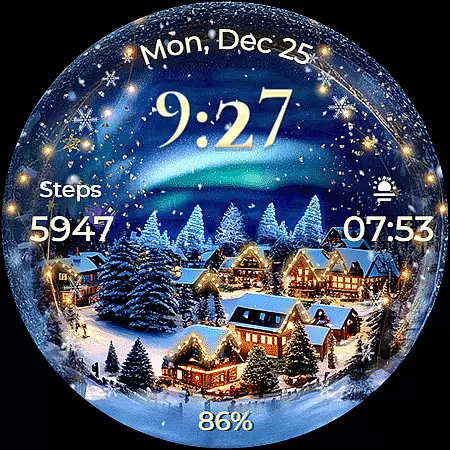
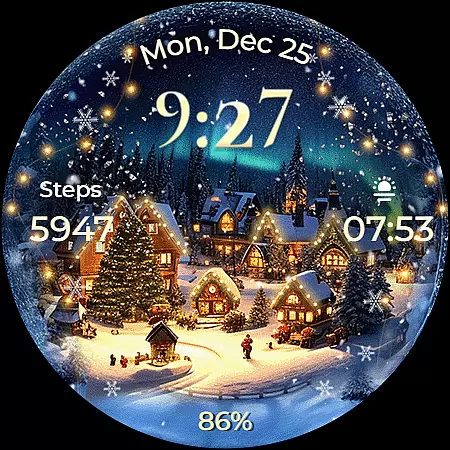
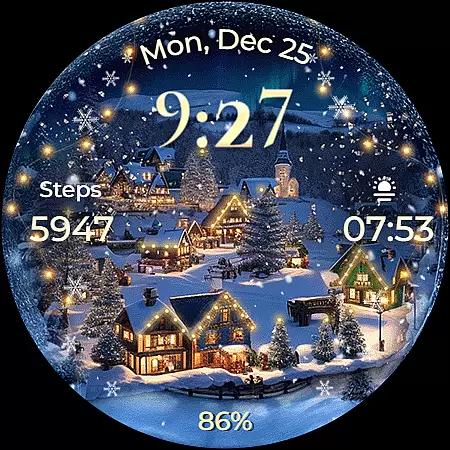
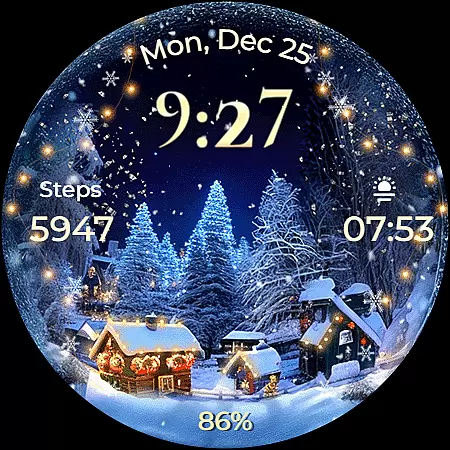
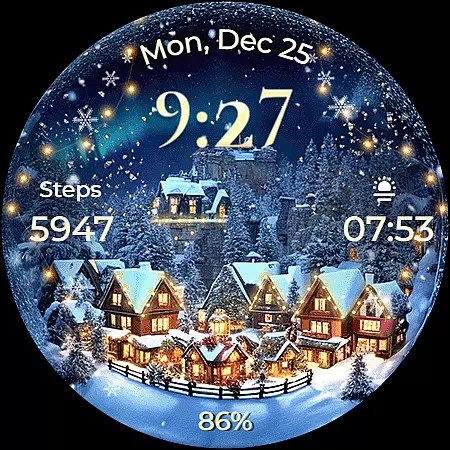
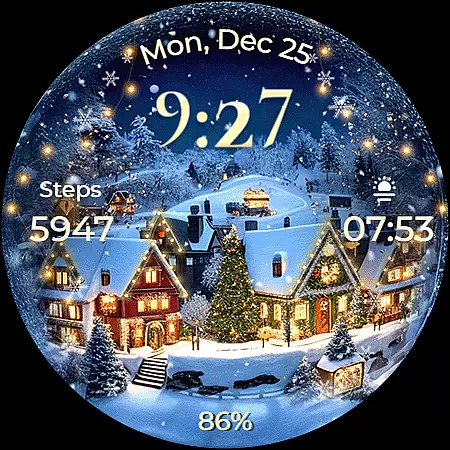
Animated North Pole Christmas is a festive Wear OS watch face that brings the magic of the holiday season to your wrist. Featuring animated snowfall and a magical sparkle, this app captures the essence of winter cheer with Santa's journey through snowy landscapes.
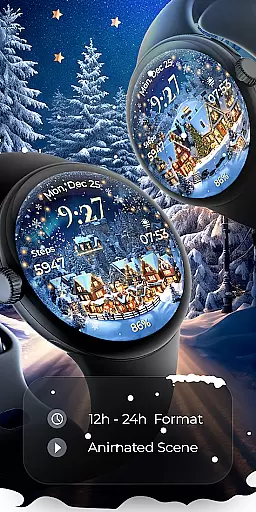
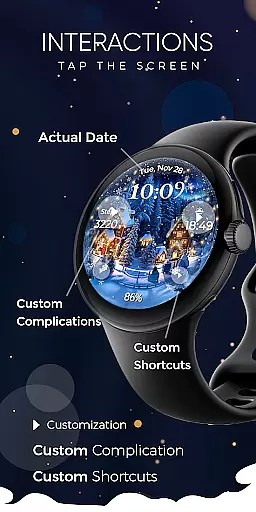
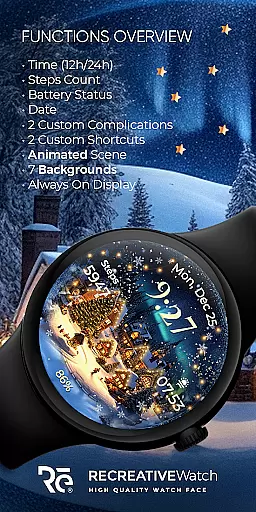
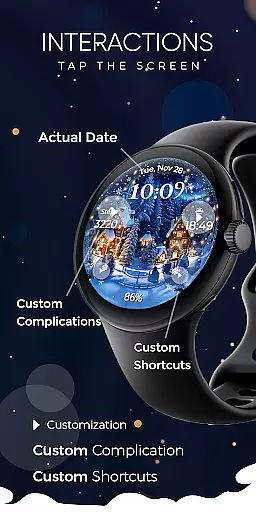
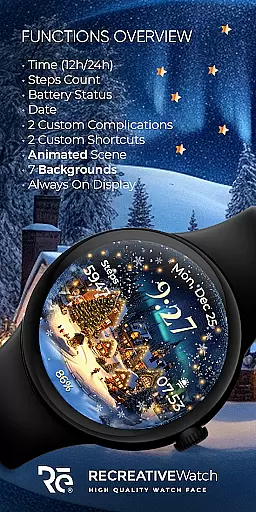
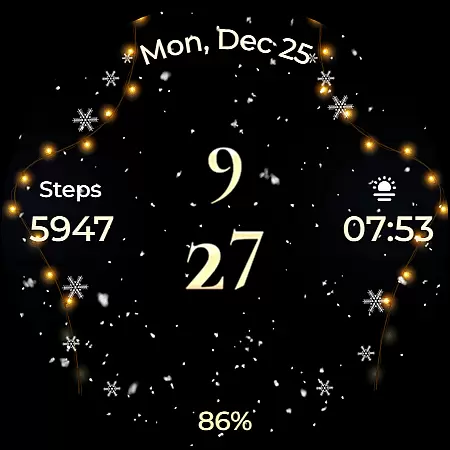
The watch face displays essential information such as 12/24h digital time, date, battery status, and step count. It also offers customization options including two complications and shortcuts, seven different backgrounds, and an Always ON Display mode with changeable colors and modes.
Ideal for users who want to embrace the holiday spirit while staying connected, this app ensures you experience festive joy every time you check your watch.
This Wear OS watch face stands out with its unique Christmas theme and attention to detail. The animated snowfall and magical sparkle create an enchanting visual effect that captures the essence of the North Pole during the holidays.
Functionality meets customization with features like 12/24h digital time display, date, battery indicator, and step counter. Users can personalize their experience with two customizable complications and shortcuts, choose from seven stunning backgrounds, and enjoy the Always ON Display feature with adjustable colors and modes.
Designed for optimal performance on compatible devices, this app ensures both aesthetic appeal and practical utility, making it a must-have accessory for the holiday season.
Companion app integration is essential for a seamless wearable experience. Animated North Pole Christmas offers a dedicated mobile app that simplifies the installation process and helps users locate the watch face on their Wear OS devices. This ensures that users can effortlessly access and enjoy the festive design.
The phone app acts as a facilitator, providing an easy gateway to customize and manage the watch face settings. By separating the companion app from the watch face itself, the application ensures that all features are optimized for their respective platforms. This thoughtful design enhances usability while maintaining system performance.
Although the mobile app includes advertisements, it does not compromise the functionality or aesthetics of the watch face. Users can trust that their wristwear experience remains immersive and ad-free, preserving the magic of the holiday theme. The clear distinction between the two components demonstrates a user-centric approach to wearable technology.
Ensuring broad device compatibility is crucial for any Wear OS application. Animated North Pole Christmas supports API level 33+ devices, including popular models like Google Pixel and Galaxy Watch series. This wide compatibility range allows more users to enjoy the festive spirit on their smartwatches.
The application's optimization for various devices guarantees consistent performance across different hardware specifications. Whether users own a Galaxy Watch 4, 5, or 6, they can experience the same level of quality and functionality. This universal approach to design ensures that no one misses out on the holiday cheer.
By supporting Always ON Display features with customizable colors and modes, the application demonstrates its commitment to modern smartwatch capabilities. These technical considerations, combined with regular updates and troubleshooting resources, create a reliable and enjoyable user experience for all compatible devices.
Holiday-themed design
Customizable features
Animated effects
Battery indicator
Step counter
Limited to Wear OS
Ads in phone app
Battery usage concern
Device compatibility
No automatic apply

Snowflake Rose Gold Watch Face - Digital, modern, & sleek with GYRO effect.
 4.10
4.10
Embrace the festive spirit with our Christmas Countdown watchface for Wear OS
4.10
Analog watch face with 8 complications and expedition styling
4.4
Beautiful artistic animated digital watch face, with a customizable layout!
4.40
Watch face for Wear OS.
4.20
Digital, flexibly customizable watch face. For Wear OS 5.0, API 34+ and later.
5.00
Stylish digital watch face for Wear OS devices with customizable features
4.0
Find EV charging stations
4.30
Premium hybrid watch face with many customizations for Wear OS devices.
4.40
Real-time weather radar with temperatures, warnings, hurricanes, and widgets
4.80
Diet tracker for weight loss - track calories, food and macros. Simple and easy!
4.70
Easy Voice Recorder is your everyday companion to record important moments.
4.70
Kia Access makes getting your vehicle information easier than ever
4.60
Nutrition, Macro tracker: Food, fitness & healthy diet tracking for weight loss
4.60
Fast and smart typing with Emojis, GIFs, and more
4.50
Wear Os Watch Face - Animated Snow Effect & Magic Spark - 6 Scenes
4.10
Professional weather radar and more
3.90
Artistic Digital Watchface
4.2
Minimalistic design modern digital watch face.
4.1



User Reviews