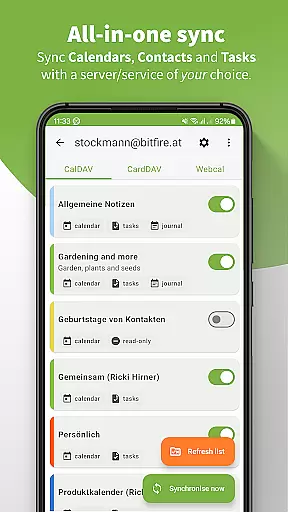
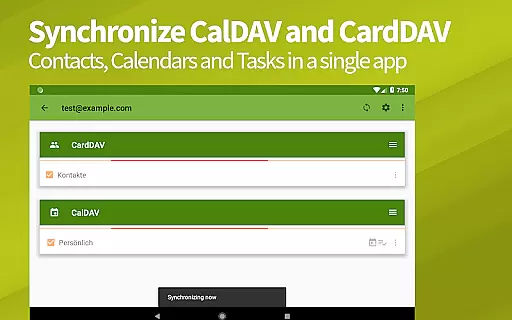
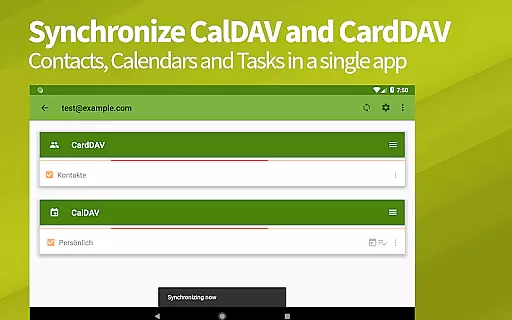
DAVx⁵ is a comprehensive productivity app designed for seamless synchronization of contacts, calendars, and tasks across devices. This all-in-one solution supports CalDAV, CardDAV, and WebDAV protocols, making it compatible with numerous servers including Nextcloud, iCloud, and Synology.
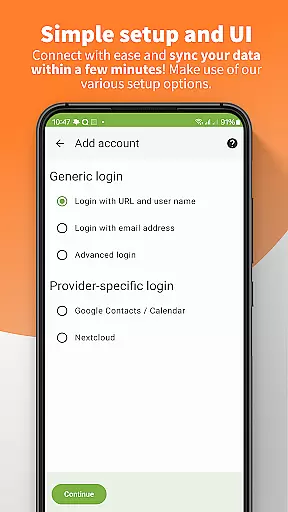
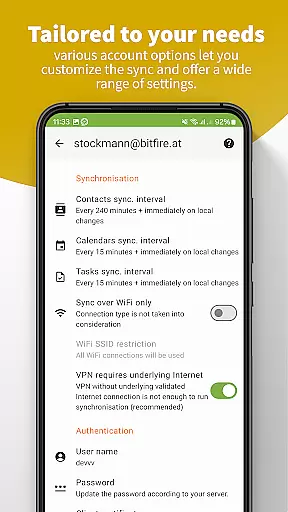
The app offers two-way synchronization, ensuring your data is always up-to-date on both client and server sides. With easy setup options and flawless integration with device apps, DAVx⁵ provides a reliable way to manage personal and professional schedules efficiently.
Whether you're accessing remote WebDAV files or synchronizing calendar events, DAVx⁵ ensures high performance and security. Its open-source nature and commitment to privacy make it an ideal choice for users seeking a trustworthy, ad-free productivity tool.
DAVx⁵ stands out with its robust feature set tailored for productivity enthusiasts. The app's two-way sync capability allows real-time updates between the server and client, ensuring that changes made on one device are instantly reflected on others.
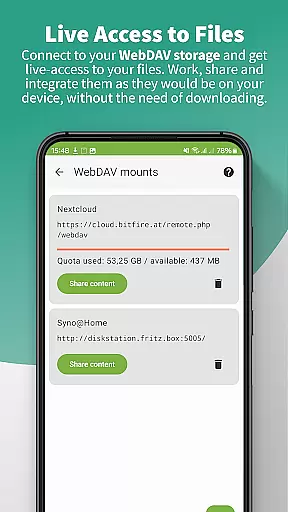
One of the key highlights is its compatibility with a wide range of CalDAV/CardDAV servers, including popular services like Nextcloud and iCloud. Additionally, DAVx⁵ enables users to access WebDAV files as if they were stored locally on their device, enhancing remote work capabilities.
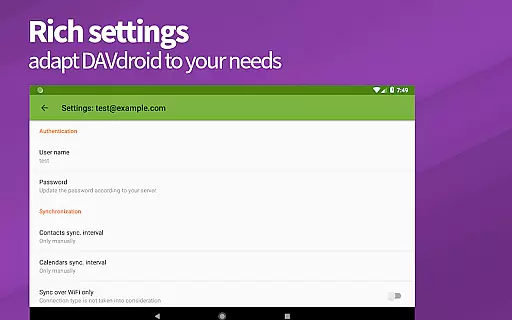
Security and privacy are prioritized, with no ads or tracking, and full GDPR compliance. Advanced management options within the app allow users to create and delete calendars, address books, and to-do lists, offering unparalleled control over personal data organization.
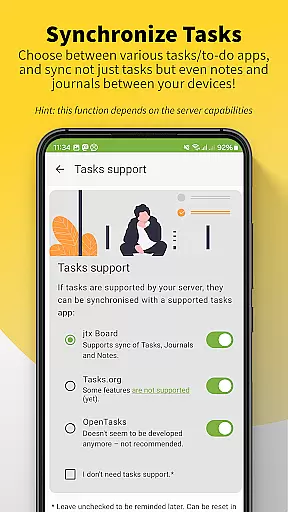
DAVxu2075 excels in core task management by offering seamless synchronization of tasks through the CalDAV protocol. This ensures that your to-do lists are always up-to-date across all devices.
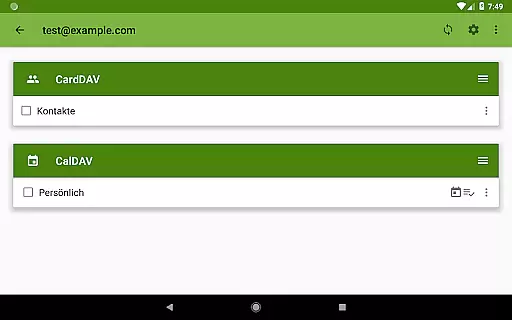
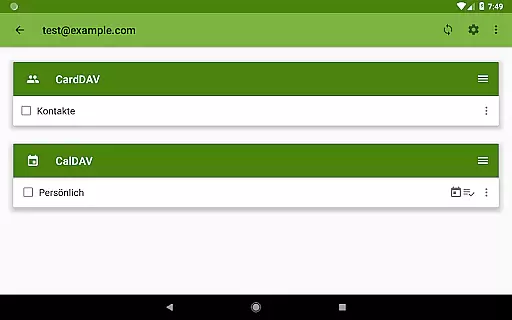
The app allows for the creation, deletion, and management of calendars, address books, and to-do lists directly from your device. This functionality is particularly useful for users who need to organize their personal and professional lives efficiently.
With its two-way synchronization feature, DAVxu2075 ensures that any changes made on one device are immediately reflected on all others. This real-time update capability enhances productivity by keeping all your tasks synchronized and accessible wherever you are.
Cross-device synchronization reliability is a cornerstone of DAVxu2075's design. The app supports synchronization of contacts, calendars, and tasks across multiple devices, ensuring that your data is always current and consistent.
DAVxu2075 employs fast algorithms and multi-threaded sync processes to optimize performance. These features ensure high-speed synchronization without compromising data integrity, even when dealing with large datasets or syncing over slow networks.
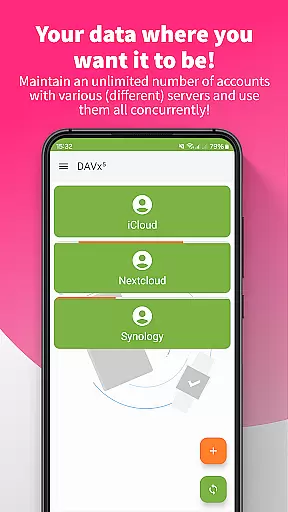
Moreover, the app is compatible with a wide range of CalDAV and CardDAV servers, including popular services like Nextcloud, iCloud, and Synology. This compatibility guarantees that users can rely on DAVxu2075 to work seamlessly with their existing infrastructure, providing peace of mind and confidence in their data management solution.
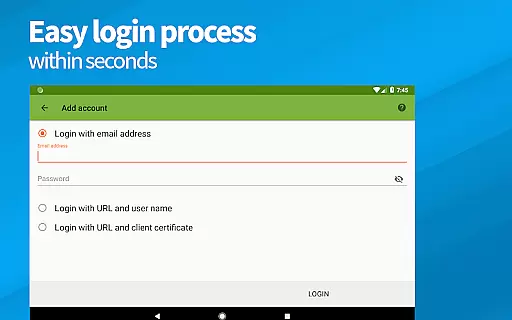
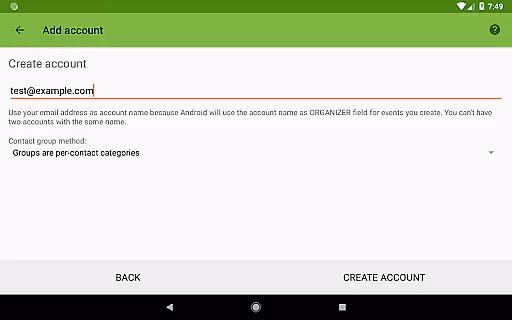
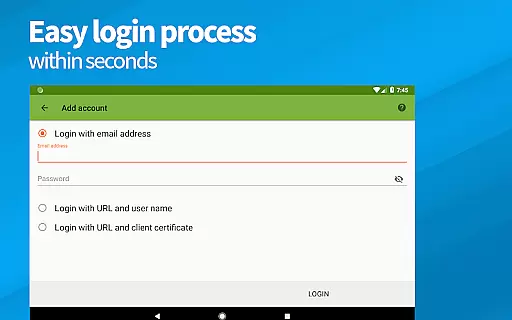
Easy setup process
Two-way synchronization
Wide server compatibility
No ads or tracking
GDPR compliant
Advanced features may overwhelm beginners
Limited server support for some functions
Requires HTTPS for optimal use
No built-in email client
Premium version comes at a cost

AI Video AI Image Private LLM AI Browser Llama Gemma Ollama Connect LLM Studio
 4.5
4.5
Experience real multitasking on your Android!
4.00
Unlock AutoNotification
4.00
Todo reminder
4.10
Easiest event planning, volunteer signups & parent teacher conference scheduling
2.20
App lock - lock apps with fingerprint, password, pin or pattern, protect privacy
4.70
Enjoy classic gameplay with customizable features and retro-style graphics.
4.30
Access, manage and transfer files on Android, PC, Mac, NAS and cloud storages.
4.30
Seamlessly read, manage, and organize all your PDF files solution in one place
4.40
Use powerful, industry-leading AI tools to generate visual charts from any data
4.80
Direct Chat without saving contacts & Dual WA Account on Single Device
4.70
Client for Nextcloud Deck
4.60
Lightweight PDF, Word, Excel reader.
4.60
Fill, sign & send docs, forms, agreements & contracts via electronic signature.
4.50
PDF scanner & converter for files, photos, lottery, QR codes. One swipe away!
4.50
Send files, sync SMS, notifications & clipboard across devices via local network
4.40
All in One PDF Reader: Manage, Read and Edit your Documents
4.20
Create and edit presentations with Google Slides, part of Google Workspace.
4.00
Take control of your clipboard with Clipper!
3.90



User Reviews