
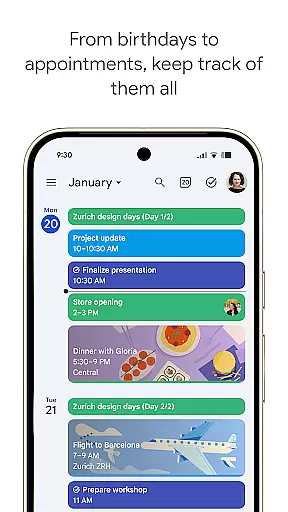
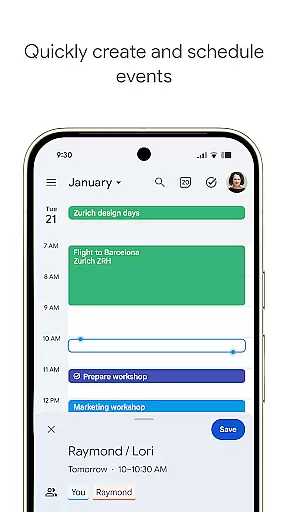
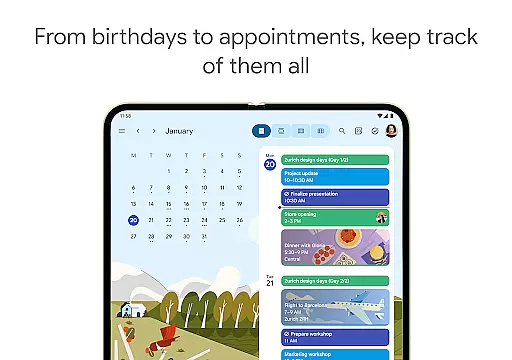
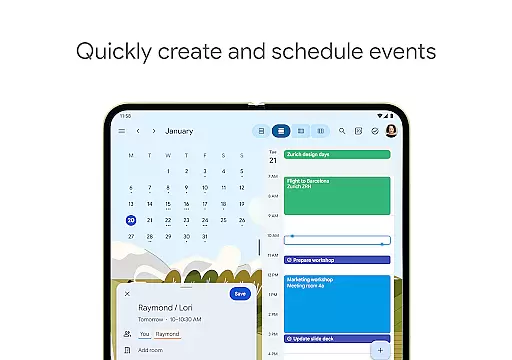
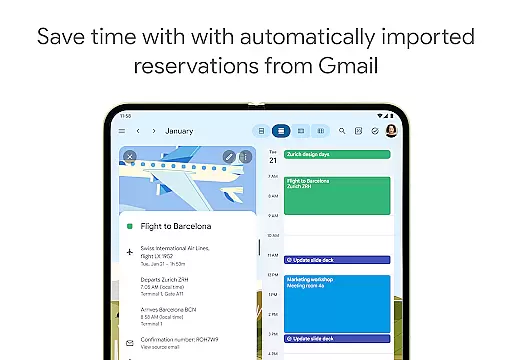
Google Calendar is the official calendar app designed for Android phones, tablets, and Wear OS devices. It helps users stay organized and plan their day efficiently with features like easy event creation, multiple calendar views, and task management. The app automatically integrates events from Gmail such as flight details, hotel bookings, and restaurant reservations, ensuring a seamless planning experience.
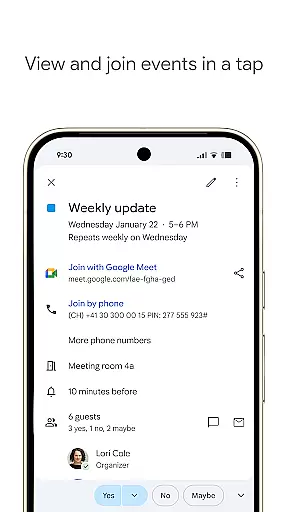
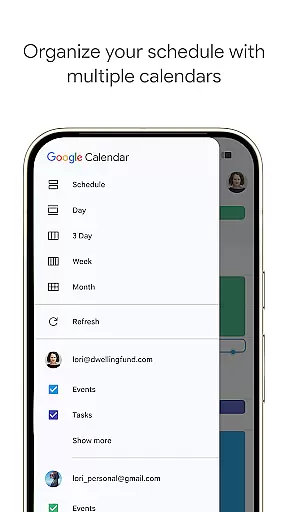
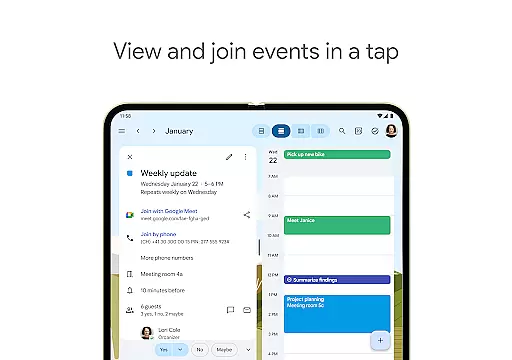
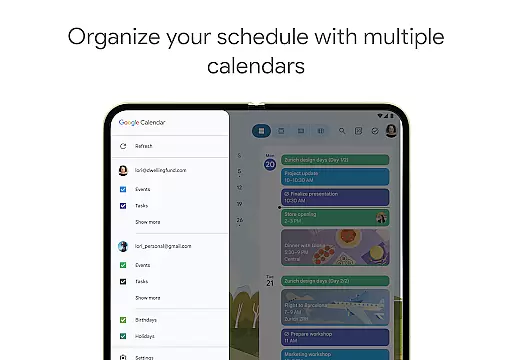
With its cross-device compatibility, users can transition effortlessly between their phone, tablet, or computer while staying logged into their Google account. Shared calendars allow collaboration with family, friends, and colleagues, enabling them to view, add, or modify events. Additionally, Google Calendar supports hybrid work environments by integrating Google Meet video calls and offering professional booking pages for scheduling with clients.
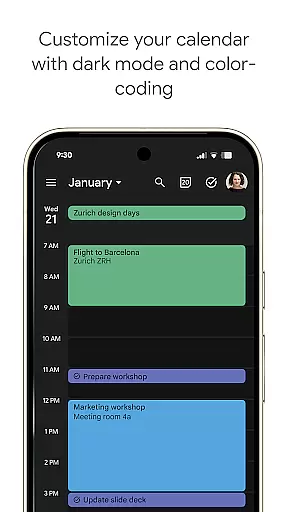
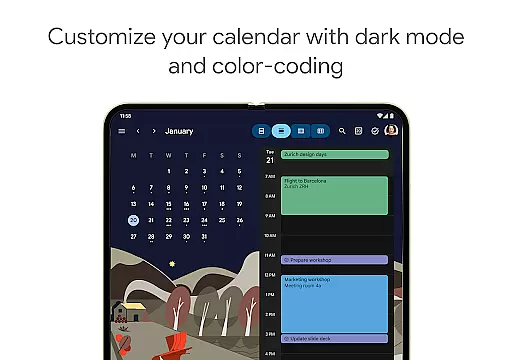
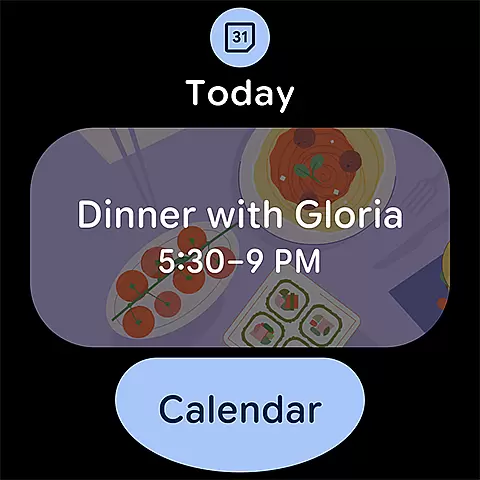
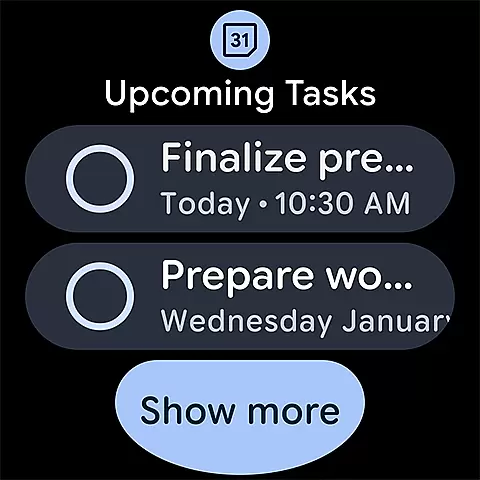
The app also offers customizable views, light or dark mode options, and color-coded events to personalize the user experience. Tasks can be managed alongside events, and full-screen task lists are accessible directly within the app. For users on the go, Wear OS support ensures that events and tasks remain accessible through tiles and complications. As part of Google Workspace, Google Calendar provides enterprise-level security and privacy, making it suitable for both personal and professional use.
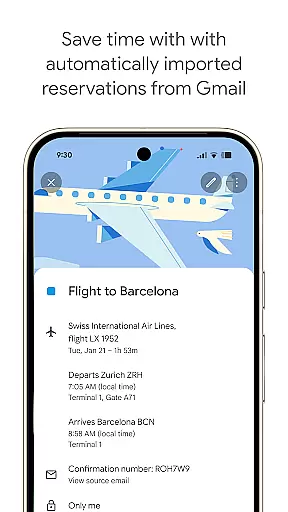
Google Calendar stands out with its robust feature set tailored for productivity and organization. One of its key strengths is automatic event integration from Gmail, which adds flight, hotel, concert, and restaurant reservations directly to the calendar without manual input. This feature saves time and reduces the risk of missing important appointments.
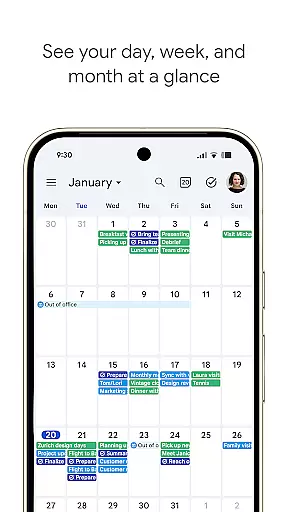
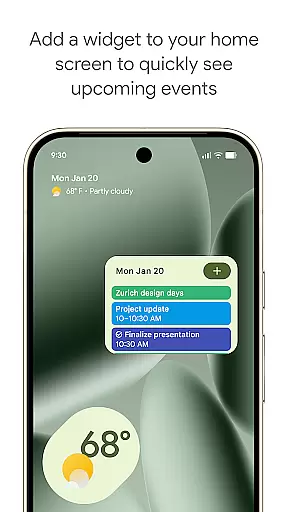
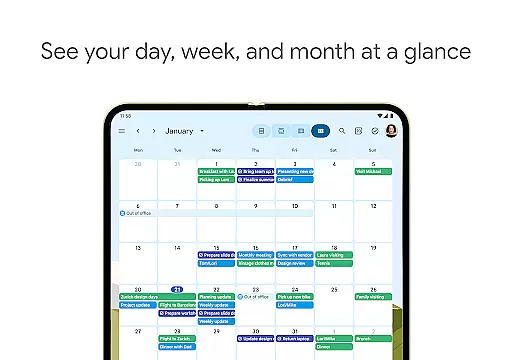
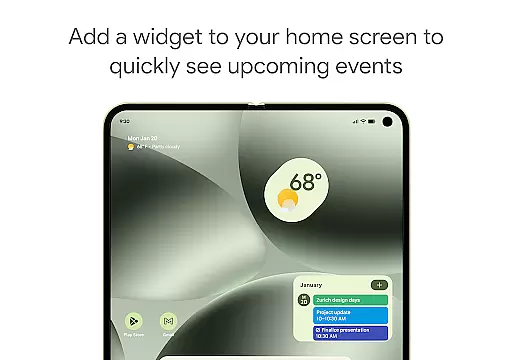
The app supports multiple calendar views, including month, week, and day formats, allowing users to choose the layout that best suits their needs. Customizable widgets provide quick access to essential functions, while shared calendars enable real-time collaboration with others. Users can also attach meeting notes, pre-read materials, and documents directly to calendar events, streamlining communication and preparation for meetings.
For professionals, Google Calendar integrates seamlessly with Google Workspace tools, offering advanced functionalities like Google Meet video calls and team availability checks. The app's support for Exchange calendars ensures compatibility with other systems, while its Wear OS optimization keeps users informed even when they're away from their primary devices. These features collectively enhance productivity and ensure that users can manage their schedules effectively across different platforms.
Companion app integration is a crucial feature for wearable devices, ensuring seamless synchronization between the main application and its wearable counterpart. Google Calendar excels in this area by providing consistent functionality across Android phones, tablets, and Wear OS devices.
The app automatically syncs events, tasks, and calendar views when you're logged into the same Google account, allowing users to transition effortlessly between devices. This includes events added from Gmail, such as flight details or restaurant reservations, which appear instantly on all linked devices.
Users benefit from real-time updates, ensuring that changes made on one device are immediately reflected on others. This synchronization extends to shared calendars, enabling teams and family members to stay informed about schedule modifications regardless of the device they use.
Furthermore, Google Calendar's companion app integration supports features like Google Meet video calls within events and working location indicators, making it an indispensable tool for hybrid work environments and enhancing overall productivity.
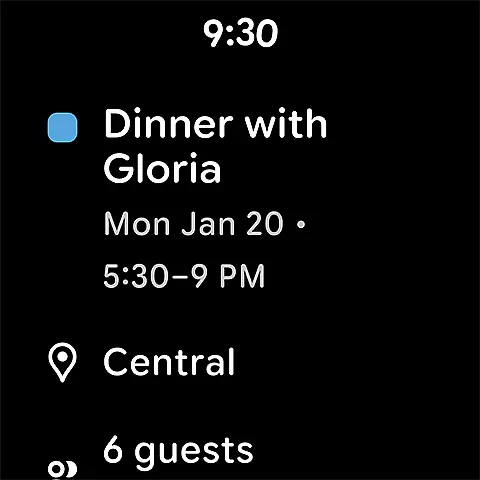
Wear OS compatibility ensures that applications function optimally on smartwatches and other wearable devices. Google Calendar offers robust support for Wear OS, allowing users to manage their schedules directly from their wrists.
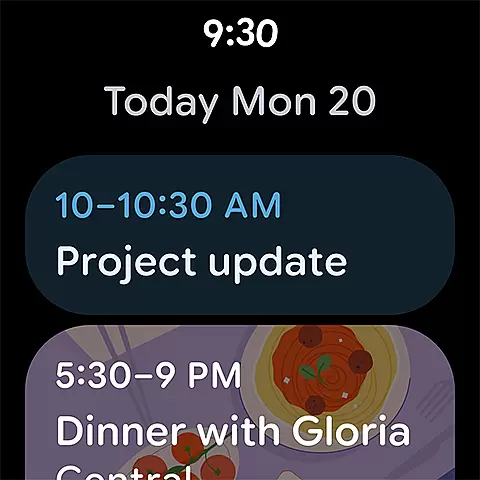
The app provides essential features through tiles and complications on Wear OS devices, enabling quick access to upcoming events and tasks while on the go. Users can view consolidated calendars, including Exchange, and switch between different views like day, week, or month without needing to reach for their phones.
This compatibility enhances convenience by offering full functionality even when away from primary devices. With light or dark mode options and color-coded events available on wearables, personalization remains consistent across platforms.
By supporting comprehensive task management and event tracking on Wear OS, Google Calendar ensures users never miss important appointments, thereby increasing efficiency and reliability in daily planning.
User-friendly interface
Seamless Gmail integration
Cross-device compatibility
Robust collaboration tools
Enterprise-level security
Limited offline functionality
Occasional sync delays
Basic task management
No built-in reminders
Ads in free version

Wear Os Watch Face - Animated Snow - Sesonal for Christmas & Winter
 4.1
4.1
A full-featured Amazon Alexa voice assistant that can show you things.
3.70
Beautiful artistic animated digital watch face, with a customizable layout!
4.40
A modern premium sporty hybrid watch face for Wear OS by Ballozi
4.70
Digital, flexibly customizable watch face. For Wear OS 5.0, API 34+ and later.
5.00
Connect to your Bluelink equipped Hyundai vehicle from your smartphone.
4.50
Locate your family members by GPS phone location tracker everywhere and anytime
4.30
Real-time results, stats, schedules and player profiles for all leagues
4.60
Professional weather radar and more
3.90
Christmas Theme Watch Face for Wear Os
5.00
Easy Voice Recorder is your everyday companion to record important moments.
4.70
Walking app for weight loss: walk & step tracker, pedometer, indoor treadmill
4.60
Calming & relaxing sounds for sleeping and stress relief. Stay focused all day!
4.20
A customizable Christmas watch face for Wear OS with a countdown.
4.20
sleep, alarm, snoring, stress, healing, focus, sound therapy, circadian rhythm
4.10
Watch the sharpness of the sky on your wrist..
3.70
an Analog Watch Face for winter season with freeze winter background for Wear OS
4.2
Christmas is near, let's count together the days left until Santa comes
4.2
Analog watch face with 8 complications and expedition styling
4.3




User Reviews