iControl is a professional theme app for Android that allows users to personalize their phones with aesthetic control packs and keyboard themes. The app offers a variety of stylish designs, including brightness and volume controls, dark mode switch, Wi-Fi and Bluetooth connectivity options, Do Not Disturb settings, screen rotation lock, airplane mode activation, and flashlight functionality.
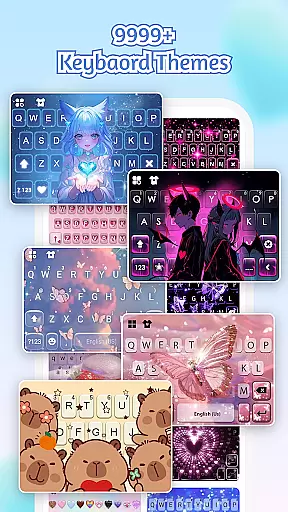
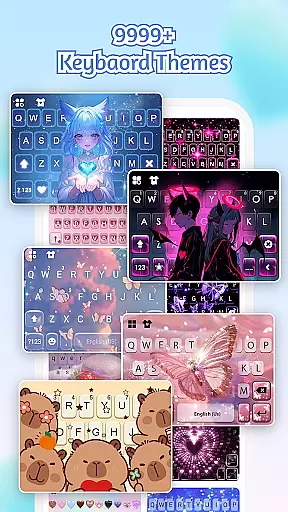
With iControl, users can create exclusive keyboard themes by customizing colors, backgrounds, sounds, effects, fonts, and layout. The app also supports multi-language typing with over 150 languages and provides powerful error correction and cloud prediction features. Additionally, it ensures privacy and security by not collecting personal information or photos used as keyboard backgrounds.
This app is ideal for individuals who want to express their creativity through personalized phone themes while enjoying smart tools that enhance usability. Whether you're looking for simple, trendy, or unique styles, iControl transforms your device into a canvas for self-expression.
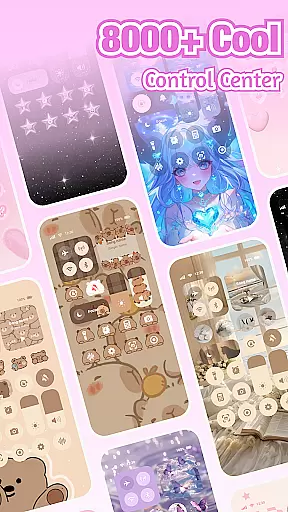
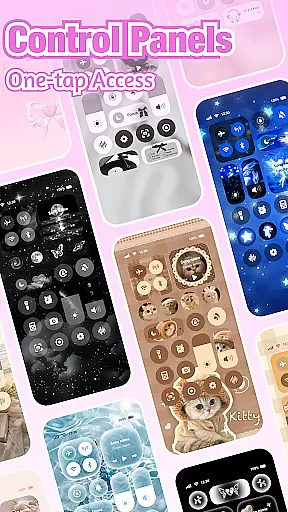
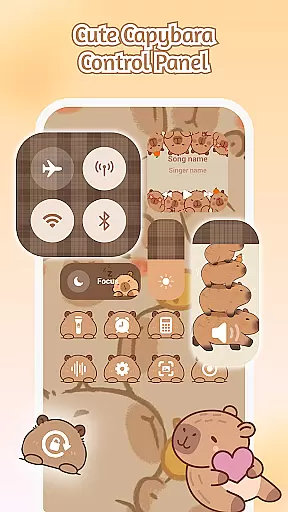
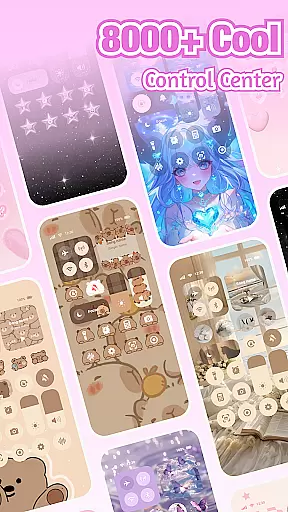
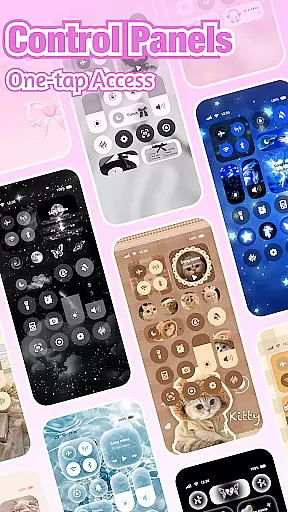
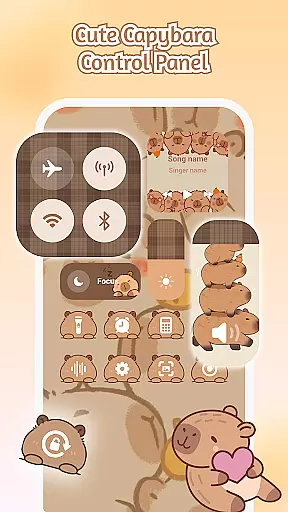
iControl stands out with its comprehensive set of features designed to enhance both aesthetics and functionality. The Control Center provides smart tools such as brightness and volume adjustment, dark mode switching, Wi-Fi and Bluetooth connectivity, Do Not Disturb settings, screen rotation lock, airplane mode activation, and flashlight functionality—all integrated into a stylish design.
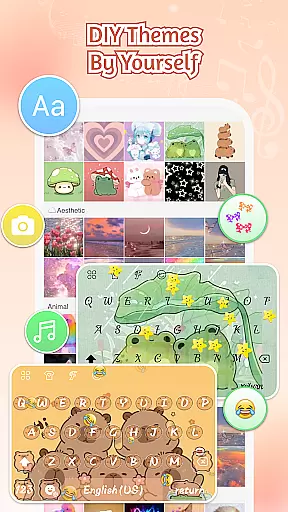
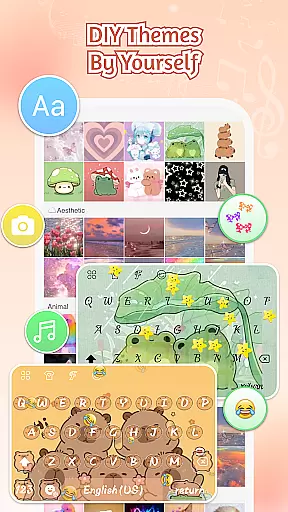
The Custom Keyboard feature allows users to choose photos or pictures and create exclusive keyboard themes with customizable colors, backgrounds, sounds, effects, fonts, and layout. It also includes fast and smart typing capabilities like clipboard for multiple copy-paste actions, swipe-to-type gestures, contextual prediction, auto-correction, and cloud-based next-word prediction.
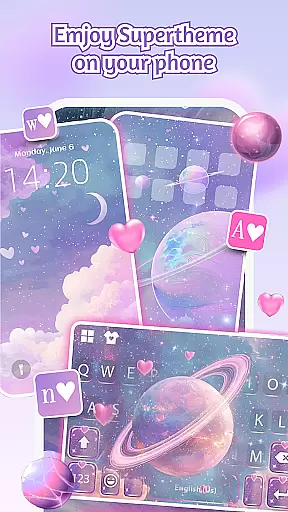
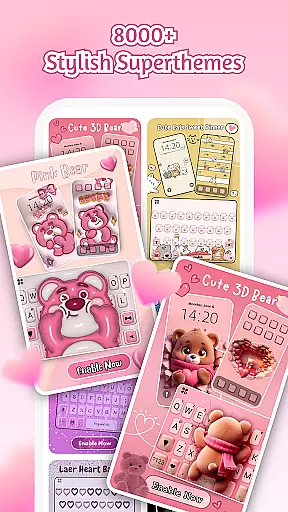
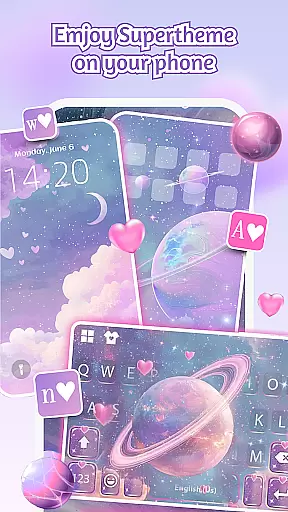
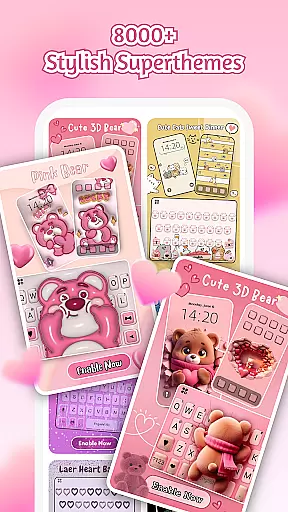
SuperTheme offers unified aesthetics with designer templates updated daily, enabling users to import photos and craft their own themes. Zero-Skill DIY makes everyone a designer by allowing reshaping of keys, tweaking transparency, adding touch effects/sounds, and using AI-generated art for pro-level designs. These features collectively provide an unparalleled level of customization and user experience.
Customization is at the heart of iControl, offering users a vast array of options to personalize their Android devices.
This app provides aesthetic control packs and keyboard themes, allowing you to become the designer of your home screen. Whether you prefer simple, trendy, or unique styles, iControl serves as a canvas for your creativity, enabling your device to stand out with personalized touches.
Beyond just visual aesthetics, iControl includes functional personalization such as the Control Center, which combines smart tools with stylish design. Adjust brightness and volume, toggle dark mode, manage Wi-Fi and Bluetooth connections, activate Do Not Disturb, lock screen rotation, enable Airplane Mode, and access the flashlightu2014all tailored to your preference and lifestyle.
iControl ensures seamless theme compatibility across your Android device, unifying your phone's aesthetics with features like SuperTheme.
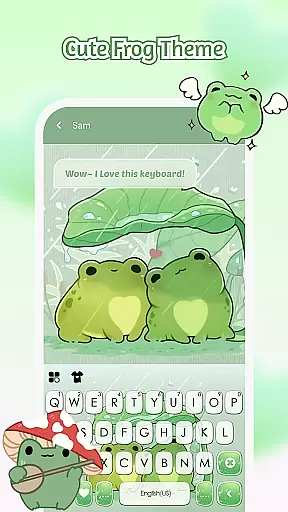
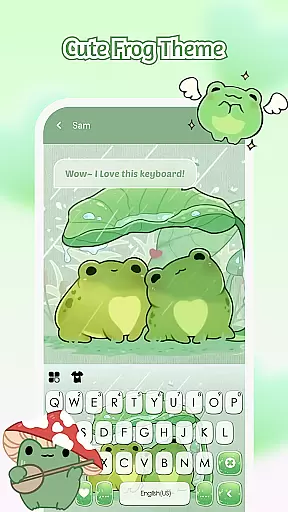
Tired of mismatched themes? StyleBoard redefines design consistency! For instance, galaxy keyboards can mirror starry themes where each tap sparks celestial trails, while sakura keys blend into forest-themed backgrounds. With over 500 designer templates updated daily, finding a cohesive look that resonates with your style is effortless.
The app also supports importing photos to craft your own exclusive keyboard themes, complete with customizable colors, backgrounds, sounds, effects, fonts, and layout. This level of compatibility ensures that every element on your screen aligns perfectly with your chosen or created theme, providing an immersive and harmonious user experience.
User-friendly interface
Extensive customization options
Multi-language support
Powerful error correction
Privacy-focused design
Limited iOS compatibility
Occasional performance lags
Ads within the free version
Premium features require payment
Complexity for new users

Ultra realistic gold analog watch face with lots of customization options.
 4.50
4.50
Gun Chase - Let the chase begin.
4.80
Transfer your live wallpapers from Windows to Android using Wallpaper Engine!
4.00
Zip lock screen with magic wallpaper to decorate your phone with fun zipper lock
4.60
Adaptive Dot Style IconPack with Light & Dark Theme.
3.70
Color phone with cool effects for call screen, flash alert & ringtones music
4.50
Embrace the Night. Unleash the power of darkness with Raven Dark Icon Pack
4.60
400+ Beautifully crafted widgets inspired by NOTHING.
4.70
Your home screen, just the way you like it.
3.80
Only for Wear OS devices!
4.90
Wallpaper HD 4K Live - Thousands of high-quality Anime backgrounds for you.
4.80
300+ Beautifully crafted widgets inspired by OneUI.
4.60
Turn text & photos into stunning AI videos, art, and creative visual stories.
4.50 4.50
4.50
Vibrant Adaptive Icons with Material You and Enhanced Monet Colors.
4.50
200+ Material Inspired Widgets
4.50
App Icon Changer & Shortcut Creator. Customize your icons without any watermarks
4.30
Crystal-clear, square icon provides a sleek and sophisticated visual upgrade
4.00
⭐ OneUI inspired Fluffy Icon Pack – Soft. Stylish. Standout. ⭐
4.0



User Reviews