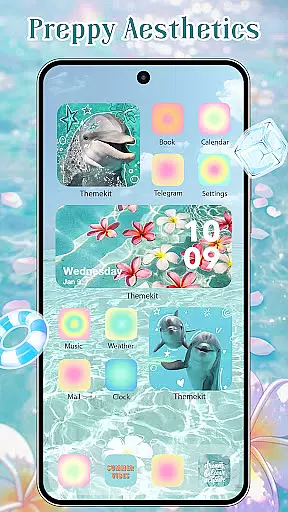
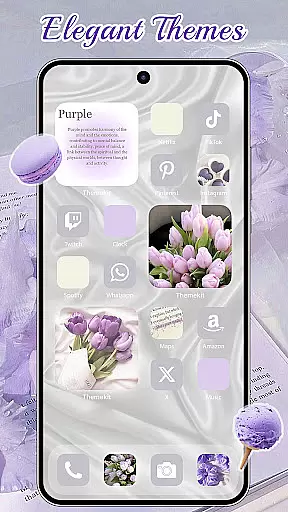
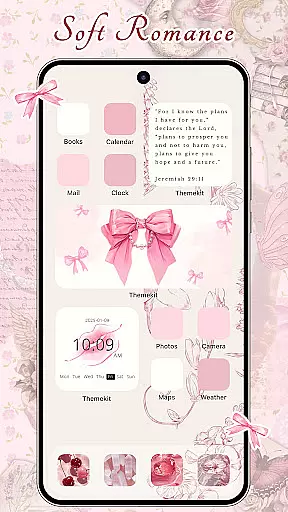
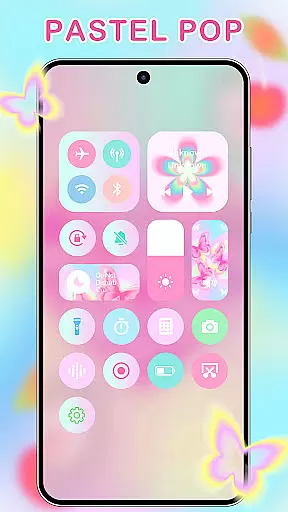
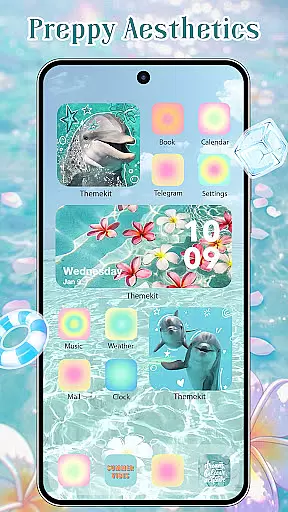
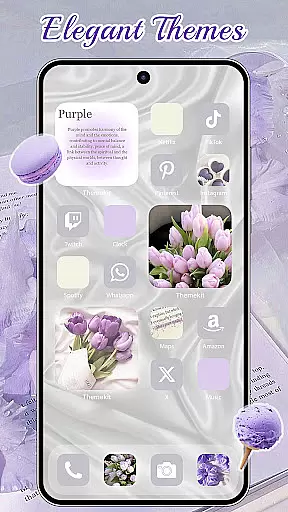
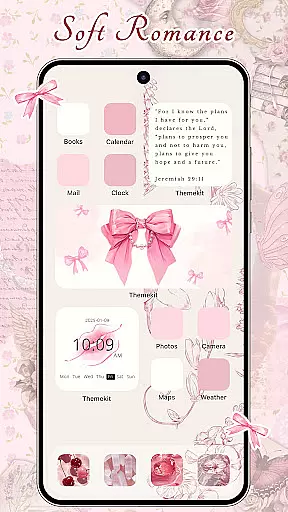
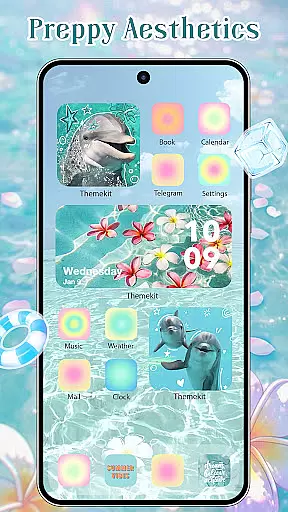
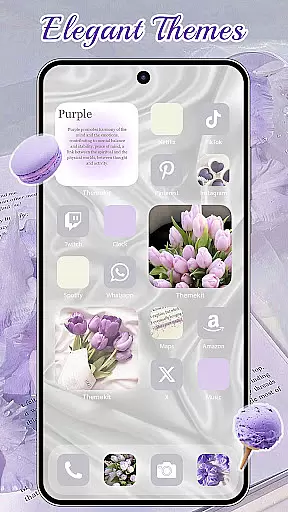
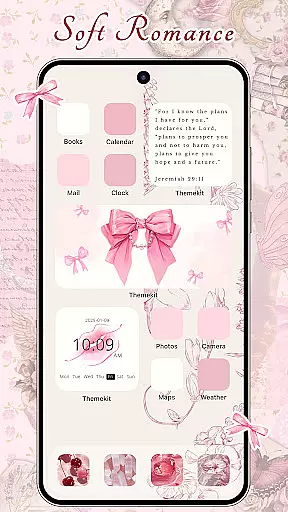
ThemeKit is a comprehensive personalization app designed specifically for Android users who want to express their unique style. This all-in-one solution allows you to transform your device's appearance through a rich collection of aesthetic themes, icon packs, widgets, and wallpapers.
The app stands out with its extensive content library that includes over 5000 icons, 3000 themes, 9000 widgets, and thousands of wallpapers. Whether you're looking for the latest Christmas styles or specific themes like football carnival or brat green, ThemeKit has something for everyone. The regular updates ensure you'll always find fresh designs that keep your device looking current and stylish.
One of ThemeKit's most valuable features is its DIY customization capability. Users can create personalized icons and widgets using their own photos, giving them complete creative control over their home screen's appearance. This feature makes it an excellent tool for those who want to add a personal touch to their devices while enjoying professional-grade design elements.
ThemeKit distinguishes itself through several key features that enhance the Android personalization experience. First and foremost is its robust icon changer functionality, which works seamlessly without requiring a separate launcher application. Users can select from gallery images or choose from numerous pre-designed icon packs to customize their app shortcuts.
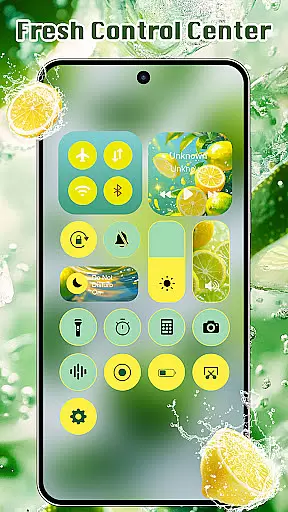
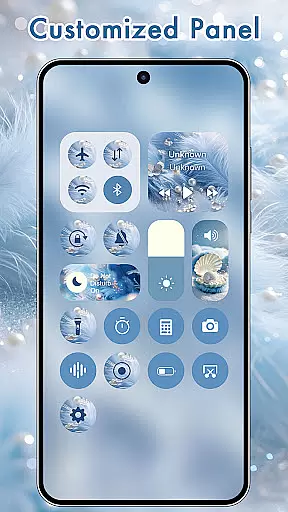
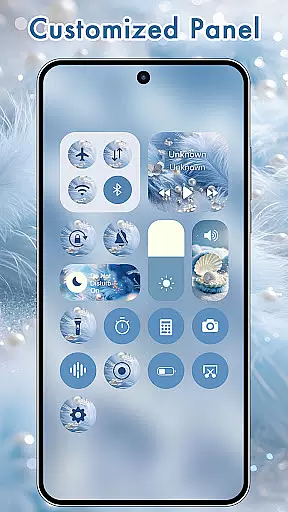
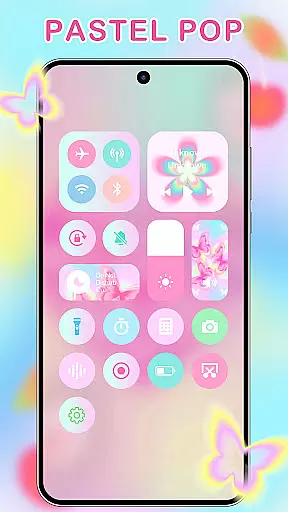
The widget creation capabilities are equally impressive. ThemeKit functions as a powerful widget editor, offering hundreds of customizable widget styles similar to premium widget creation tools. From countdown timers to weather displays, users can build and personalize their home screen layout with ease.
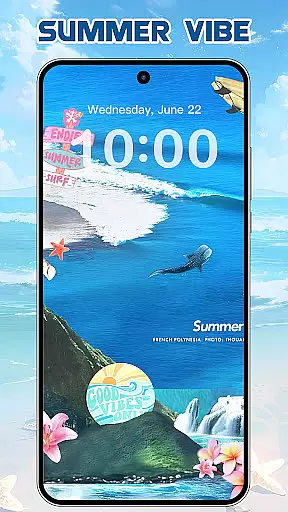
Wallpaper enthusiasts will appreciate the app's extensive 4K wallpaper collection, updated daily with new HD options. The app maintains compatibility across various Android devices including Samsung, Vivo, OPPO, and Xiaomi models. Additional practical features include music and volume controls through Accessibility Services, search functionality, and support for multiple languages - all without watermarks or subscription fees.
ThemeKit offers an extensive range of customization options that allow users to personalize their Android devices like never before. With over 5000 icons, 3000 themes, and 9000 widgets, the app provides a comprehensive suite of tools for aesthetic personalization.
The app includes DIY functions enabling users to design unique icons and widgets using their own album pictures and wallpapers. This feature ensures that your device not only looks personalized but feels truly one-of-a-kind as it reflects your personal style and memories.
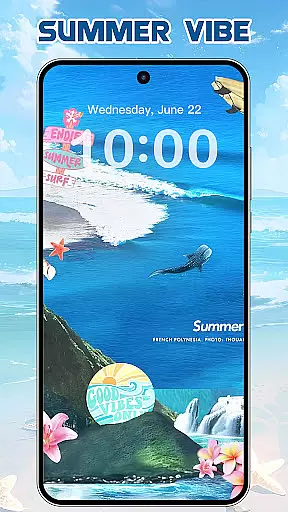
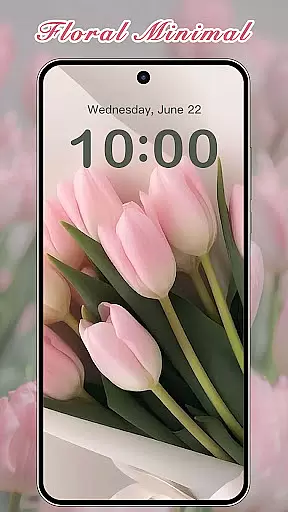
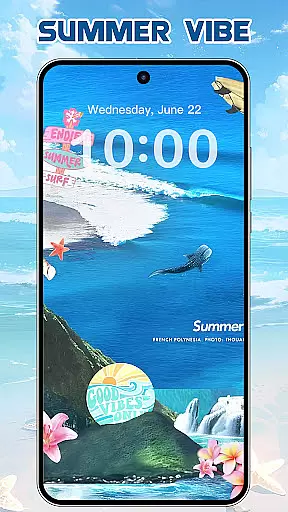
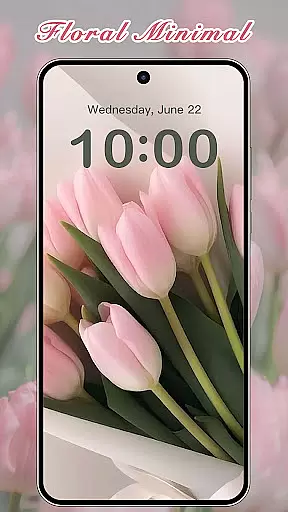
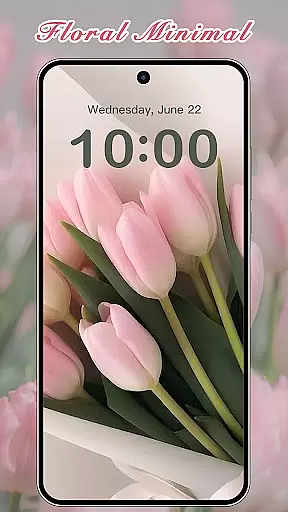
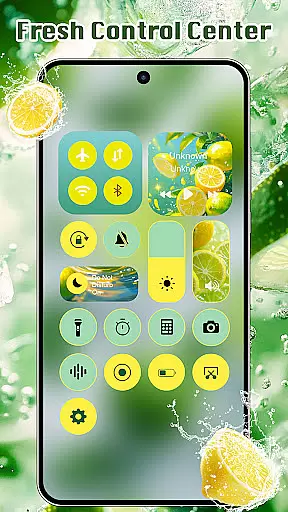
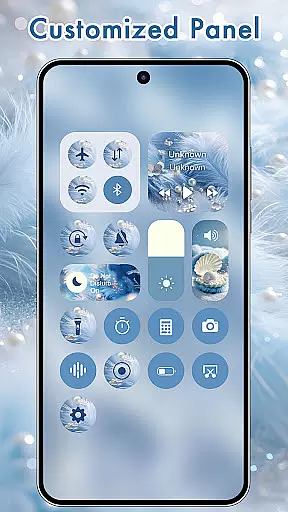
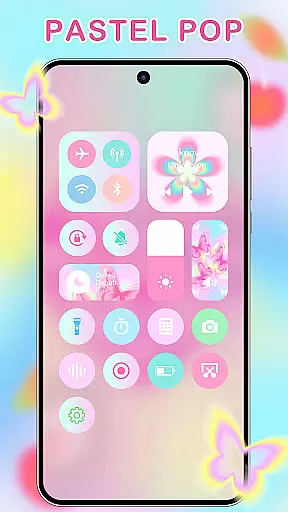
Users can choose from various categories such as Summer Sadness, Festival, Dark, Pink, Fantasy, Cartoon, Gothic, Anime, Aesthetic, Brat Green, Kpop, and more. This vast selection ensures that there is a theme for every taste and occasion, making ThemeKit an all-encompassing solution for personalization.
ThemeKit stands out with its exceptional theme compatibility across different Android devices including Samsung, Vivo, OPPO, Xiaomi, and others. The app's high compatibility ensures that no matter what device you are using, you will enjoy a seamless experience when applying new themes or widgets.
In addition to supporting multiple devices, ThemeKit also integrates smoothly with various launchers without requiring additional icon changers. This means users can apply beautifully crafted icons directly onto their home screens regardless of the launcher they prefer.
Furthermore, the app supports numerous languages which removes any language barriers and makes it accessible worldwide. Whether you're looking to refresh your phoneu2019s appearance or seeking advanced customization features, ThemeKit delivers both versatility and ease-of-use in creating a cohesive look on your device.
User-friendly interface
Extensive content library
Daily content updates
Cross-device compatibility
Free accessibility features
Requires storage space
Some features need permissions
Occasional performance issues
Limited iOS availability
Ads in free version

Classic analogue watch face. For wear os devices.
 4.60
4.60
A light in the dark, a unique style and an andless cutomization!
4.30
Art & Emoji Keyboard with Cool Fonts, Cute Themes and Custom Designs.
4.40
Shimeji adds cute animated characters to your screen, lively and fun.
4.70
Ultimate Gallery Lock App - Hide Pictures, Videos and Lock Apps Instantly!
4.60
App Icon Changer & Shortcut Creator. Customize your icons without any watermarks
4.30
Customize your home screen with stunning themes, blur, widgets & icons.
4.60
300+ Beautifully crafted widgets inspired by OneUI.
4.60
Emoji Maker app - Design custom emojis and effortlessly blend them with Mixer
3.80
A minimalist productivity launcher. One-hand-friendly. Zero ads.
4.70
Vertically oriented rectangular icons
4.70
300+ widgets inspired by Material You and Material 3 expressive design.
4.60
Magic fluids wallpaper 4D: Relax with stunning fluid simulation wallpaper app
4.20
Run multiple accounts of the same app on a single device
4.10 4.10
4.10
Ultimate widget creator. Design custom widgets for a truly unique home screen!
3.90
Your go to Weather App & Home Screen. Get your weather at a swipe of a finger!
3.80
Adaptive Dot Style IconPack with Light & Dark Theme.
3.70 3.50
3.50





User Reviews