
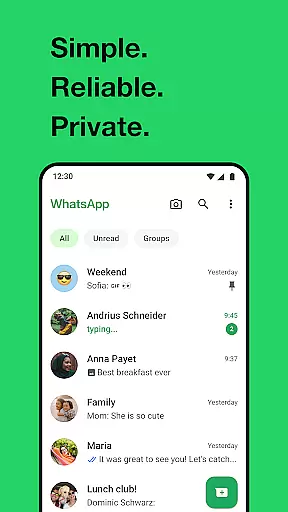
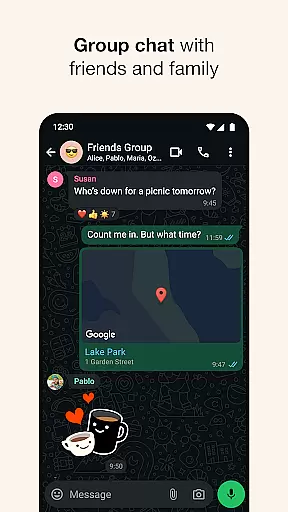
WhatsApp Messenger is a leading communication app that allows users to send messages, make voice and video calls, and share media across mobile and desktop platforms. Its core functionality lies in providing secure, end-to-end encrypted messaging and calling services for personal and group interactions.
One of the standout features of WhatsApp is its ability to function reliably even on slow internet connections, making it accessible to users worldwide. Whether you're sharing high-quality media or conducting group discussions, the app ensures privacy and ease of use without requiring additional subscriptions.
This app is particularly useful for staying connected with friends and family across long distances. With features like status updates, real-time location sharing, and support for Wear OS devices, WhatsApp offers a comprehensive solution for modern communication needs while prioritizing user privacy.
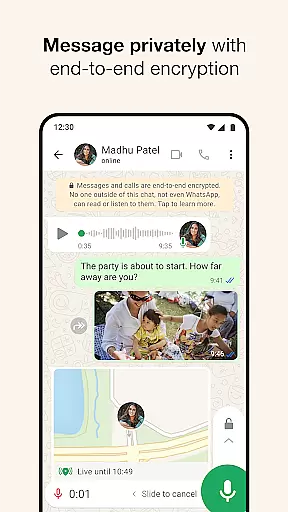
WhatsApp stands out due to its robust feature set tailored for seamless communication. The app supports end-to-end encryption for all messages and calls, ensuring complete privacy for users. This makes it ideal for both personal conversations and professional group discussions.
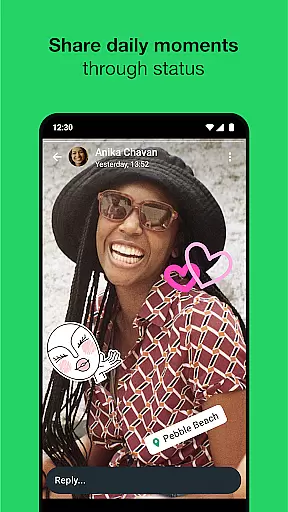
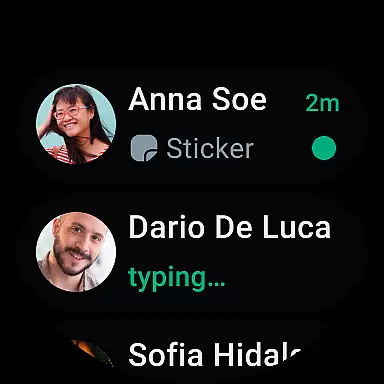
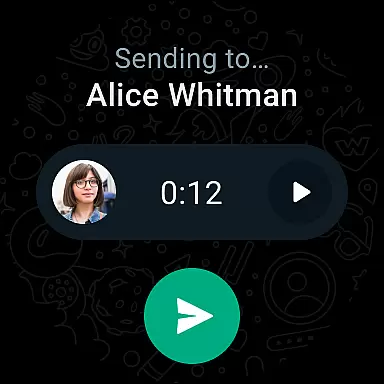
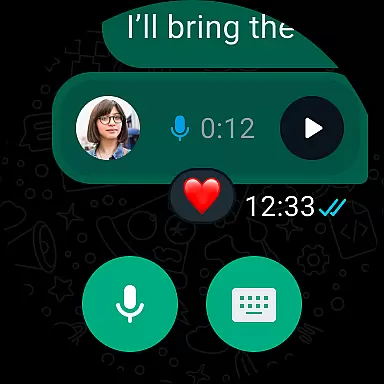
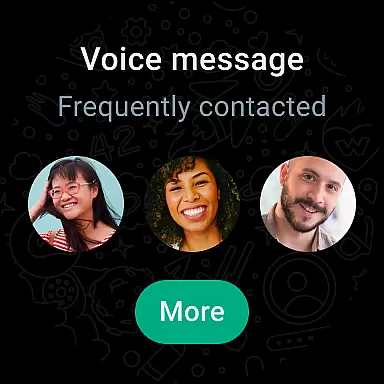
Another key feature is its compatibility with Wear OS, allowing users to manage chats, take calls, and send voice messages directly from their smartwatches. Additionally, WhatsApp's Status feature lets users post updates that disappear after 24 hours, offering an ephemeral way to share moments with selected contacts.
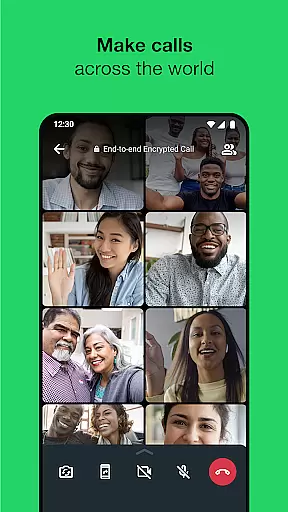
The app also supports high-quality voice and video calls for up to 32 participants, making it suitable for virtual meetings or casual catch-ups. With no need for usernames or additional logins—just your phone number—WhatsApp simplifies connectivity while maintaining strong security standards.
Companion app integration is essential for a seamless user experience across multiple devices. WhatsApp Messenger excels in this area by offering robust synchronization between your smartphone and Wear OS devices.
The app ensures that all your messages, calls, and notifications are instantly mirrored on your wearable device. This means you can read and respond to messages directly from your watch without needing to take out your phone.
WhatsApp's companion app functionality extends to desktop as well, allowing users to sync conversations across mobile and computer interfaces. This cross-platform consistency ensures you never miss an important message regardless of which device you're using.
The integration is designed to be intuitive and reliable, maintaining end-to-end encryption even when switching between devices. This comprehensive approach to companion app functionality makes WhatsApp stand out in the Android Wear ecosystem.
Device compatibility is crucial for wearable applications, and WhatsApp Messenger demonstrates exceptional support for various Wear OS devices. The app is optimized to work seamlessly across different smartwatch models and screen sizes.
WhatsApp takes advantage of Wear OS-specific features, including notification tiles and complications, making it easier for users to access their conversations and send voice messages directly from their watch face.
The application maintains its core functionality on wearable devices, allowing users to receive notifications, view messages, and even answer calls. This comprehensive feature set ensures that users can stay connected even when they don't have immediate access to their phones.
Furthermore, WhatsApp's development team regularly updates the app to ensure compatibility with the latest Wear OS versions and devices. This commitment to maintaining broad device support demonstrates the company's dedication to providing a consistent user experience across all Android Wear platforms.
End-to-end encryption
Cross-platform support
Free voice and video calls
Reliable on slow networks
User-friendly interface
Limited customization options
No built-in GIF search
Heavy battery usage
Status limited to 24 hours
Requires constant internet

Snowflake Rose Gold Watch Face - Digital, modern, & sleek with GYRO effect.
 4.10
4.10
Easy Voice Recorder is your everyday companion to record important moments.
4.70
Sleek, highly customizable watch face inspired by Galaxy Watch Circle Dashboard.
4.1
Locate your family members by GPS phone location tracker everywhere and anytime
4.30
Minimalistic design modern digital watch face.
4.2
Hyper-Realistic Airplane Dashboard Watch Face With 10 Skins and Custom AOD
4.00
Hybrid Vibrant Health Watch Face for Wear OS
4.1
A realistic hybrid watch face with many customization options.
4.60
Fitbit is dedicated to helping people lead healthier, more active lives.
4.10
A modern hybrid informative watch face for Wear OS designed by BALLOZI
4.80
Current temperature, weather hourly, weather radar by the weather forecast app
4.40
Calming & relaxing sounds for sleeping and stress relief. Stay focused all day!
4.20
Wear Os Watch Face - Animated Snow Effect & Magic Spark - 6 Scenes
4.10
Get helpful reminders, take progress photos and find answers to your questions.
3.90
A full-featured Amazon Alexa voice assistant that can show you things.
3.70
Stay in touch with your friends and family using LINE!
3.40
Analog watch face with 8 complications and expedition styling
4.4
A watch face that fuses motorsport precision with contemporary smartwatch design
4.3
Contemporary digital watch face with five complications
4.0




User Reviews