
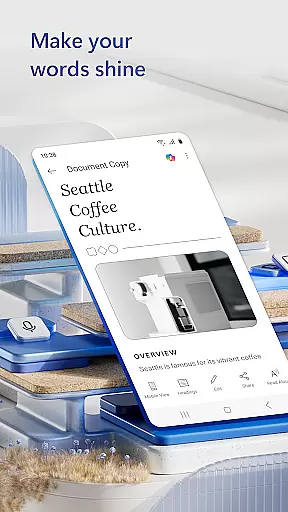
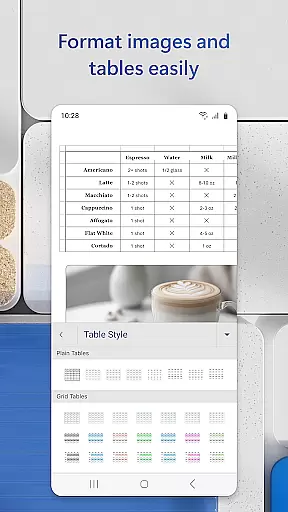
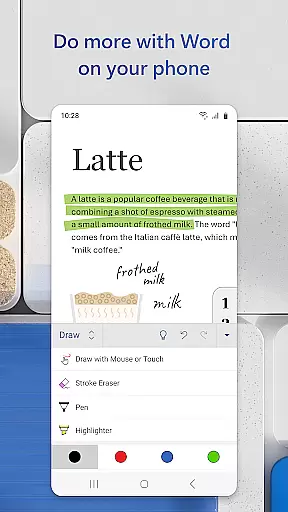
Microsoft Word is a versatile document editor designed for productivity on the go. This mobile application allows users to create, edit, and share documents with ease, maintaining the same functionality as its desktop counterpart. With features like PDF conversion, rich formatting options, and seamless collaboration tools, it ensures professional-quality document management from any device.
The app provides an extensive template gallery including resume templates, newsletters, and brochures, catering to various writing needs. Whether you're a blogger, writer, or project manager, Microsoft Word adapts to your requirements, offering expert editing tools anytime, anywhere. Its intuitive interface simplifies document collaboration, making it ideal for team projects and individual tasks alike.
Accessible to anyone with a Microsoft account, this app is particularly beneficial for users needing to manage documents on smaller devices. The ability to read, edit, and create documents in multiple formats, coupled with easy file sharing options, makes Microsoft Word an indispensable tool for mobile professionals seeking efficiency and flexibility.
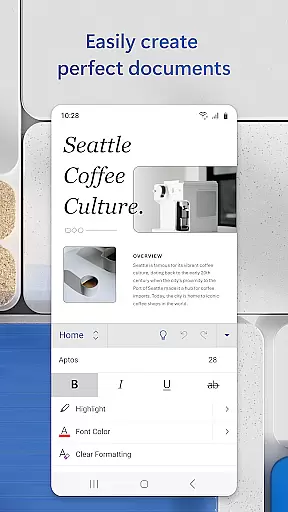
Microsoft Word offers a comprehensive suite of features that enhance document creation and collaboration. One standout feature is its robust template system, which includes beautifully designed modern templates for resumes, cover letters, forms, and more. These templates ensure that users can produce high-quality documents quickly and efficiently, regardless of their writing task.
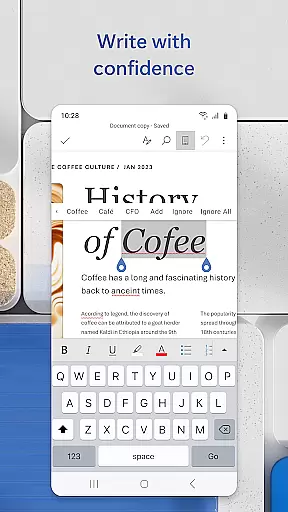
In addition to its template offerings, Microsoft Word excels in document readability and editing. Users can leverage Reading View to comfortably read docs, letters, PDFs, and scripts on their mobile devices. The app also functions as a powerful PDF converter, enabling users to convert documents between Word and PDF formats effortlessly. This dual capability streamlines workflows and enhances document versatility.
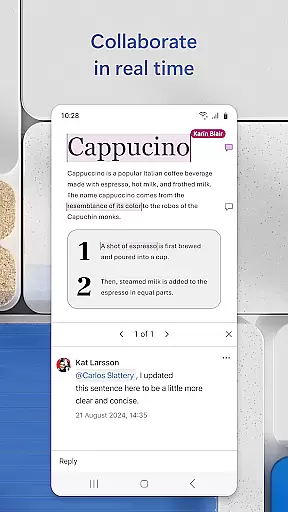
Collaboration is another key strength of Microsoft Word. The app facilitates seamless teamwork through integrated commenting features and version history tracking. Users can leave comments next to specific text sections, view changes made by team members, and revert to earlier drafts when necessary. These collaborative tools ensure that teams remain synchronized and productive, regardless of location.
Microsoft Word revolutionizes core task management by offering a comprehensive suite of tools designed to streamline document creation and collaboration. The app allows users to create, edit, and manage documents with ease, ensuring that tasks such as drafting letters, designing resumes, or crafting newsletters are executed efficiently.
With features like real-time collaboration, users can work together on documents, leave comments next to text, and track changes. This ensures that teams stay aligned and can manage tasks seamlessly without disrupting the document's flow. Additionally, the ability to revert to earlier drafts provides an extra layer of task management security.
The app also supports converting documents to and from PDF, allowing for versatile file management. Users can share their work in various formats, including PDFs, emails, or links, making it adaptable to different task requirements. This flexibility enhances productivity by catering to diverse project needs.
Overall, Microsoft Word's robust task management capabilities empower users to handle multiple writing and editing tasks within a unified platform, significantly boosting productivity and efficiency.
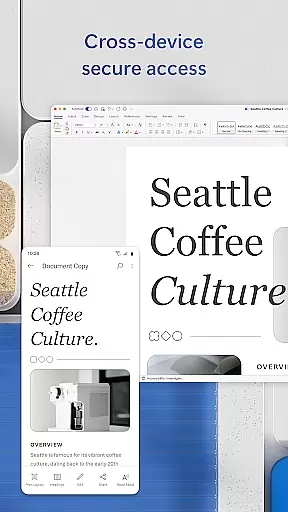
Cross-device synchronization is a cornerstone of Microsoft Word's productivity enhancement features. By enabling reliable synchronization across devices, users can start a document on their mobile device during a commute and continue editing it on a PC at the office, without missing a beat.
This synchronization extends beyond mere document saving; it includes maintaining format integrity, layout consistency, and even editor history. Such reliability ensures that whether you're using a smartphone, tablet, or desktop, your documents will look and function exactly as intended, preserving all edits and adjustments.
Furthermore, Microsoft Word's cloud integration plays a crucial role in this synchronization. By signing into a Microsoft account, users gain access to their documents from any device with internet connectivity. This means files, templates, and custom settings are consistently available, providing a seamless experience across platforms.
In summary, Microsoft Word's cross-device synchronization reliability ensures that users can work flexibly and efficiently, no matter where they are or what device they are using, thus greatly enhancing both personal and collaborative productivity.
User-friendly interface
Extensive template library
Real-time collaboration
PDF conversion capabilities
Cross-device compatibility
Limited free features
Requires Microsoft account
Occasional sync issues
Heavier on memory usage
Ads in free version

 4.20
4.20
Client for Nextcloud Deck
4.60
QuickBooks Workforce lets teams view pay info and track time in one place.
4.70
Create study competitions, track your hours, and stay consistent with friends
4.1
Unlock AutoNotification
4.00
Wake up & get tasks done! Add alarms & reminders on the Clock Launcher.
4.00
Stay on top of your to-dos with Google Tasks, part of Google Workspace.
4.60
Experience and share your SolidWorks designs on your Android® phone and tablet.
2.50
Ultimate Virtual AI Character for immersive Roleplay Chat. Perfect Companion
3.90
A beautiful digital clock with autostart and many other functions
4.70
All document reader, all in one file viewer read PDF, DOCX, XLS, PPT, TXT files.
4.60
Docker, Kubernetes management over Portainer Mobile
4.40
Secure your apps with lock screens, use custom themes and different features.
4.40
Secure, open-source, SPICE and SSH Remote Desktop for QEMU KVM virtual machines
4.00
Take control of your clipboard with Clipper!
3.90
A Revolutionary All-in-One Artificial Intelligence Tools
3.80
Ads Free App! Editor, Hide File, Copy, Move, Delete and Rename.. all facility av
1.70
AI Video AI Image Private LLM AI Browser Llama Gemma Ollama Connect LLM Studio
4.0
The upgraded version of Name Wheel with AI and the power to add your own wheels.
4.1




User Reviews