
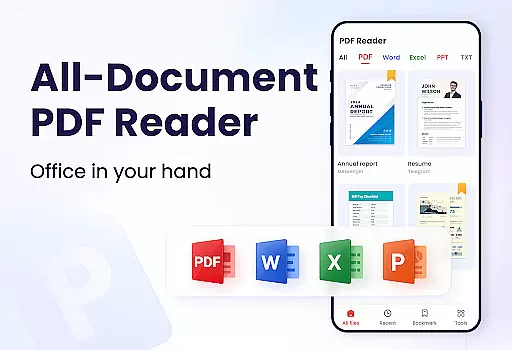
PDF Reader - PDF Viewer is a comprehensive productivity tool designed for Android users who need to manage, edit, and view PDF documents efficiently. This free app, A+ Read, offers an extensive range of features including reading, editing, merging, splitting, and securing PDF files with passwords. It stands out as not just a viewer but also a capable editor and manager, making it ideal for both work and study environments.
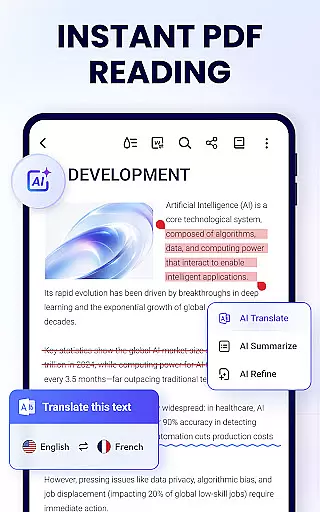
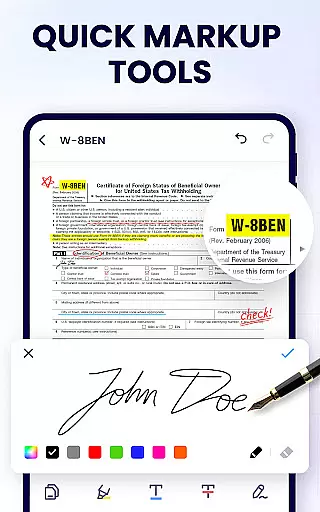
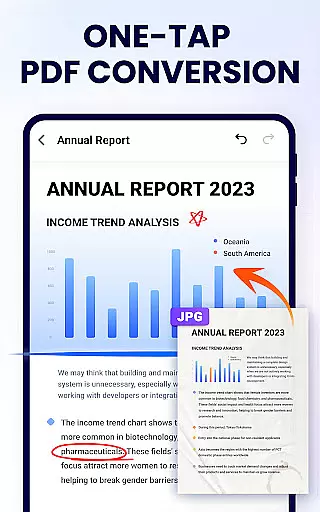
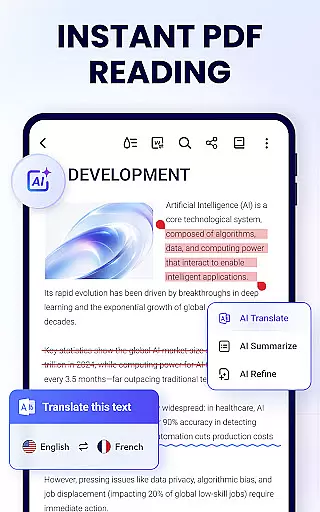
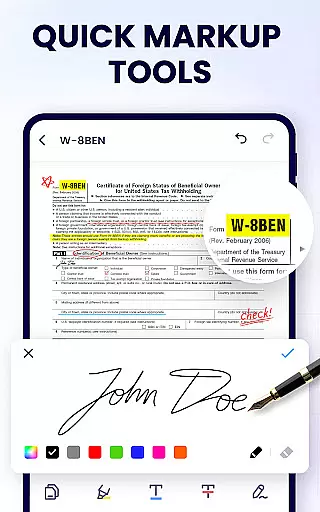
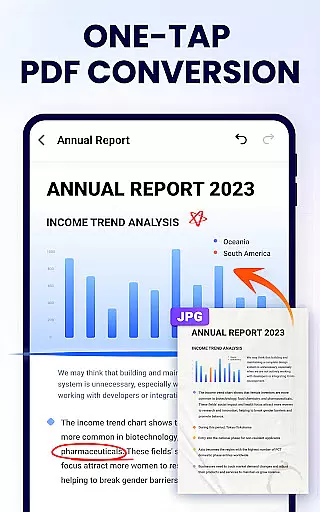
The app supports various viewing modes such as page by page, continuous scrolling, horizontal, vertical, and full-screen modes, enhancing the user's reading experience. Its efficient editing capabilities allow users to annotate, highlight, underline, and strikethrough text, as well as doodle on PDFs. Additionally, its management features include merging and splitting PDFs, setting passwords, adding bookmarks, and sharing documents via social media platforms.
With its lightweight design of only 12MB, PDF Reader - PDF Viewer ensures smooth performance without consuming much storage space. The app is suitable for students, professionals, and anyone in need of a reliable PDF solution on their Android device. By providing essential tools and maintaining ease of use, this app significantly boosts productivity and document handling efficiency.
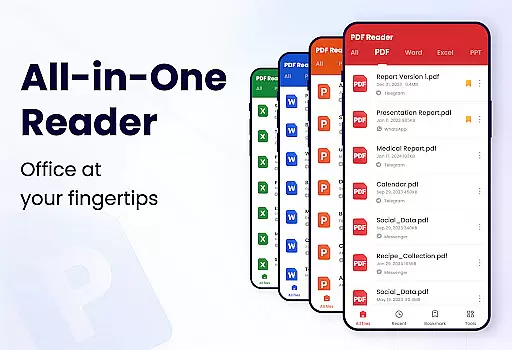
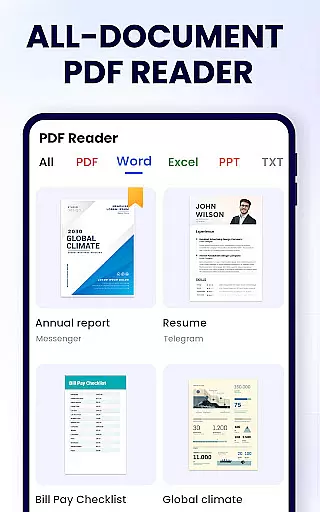
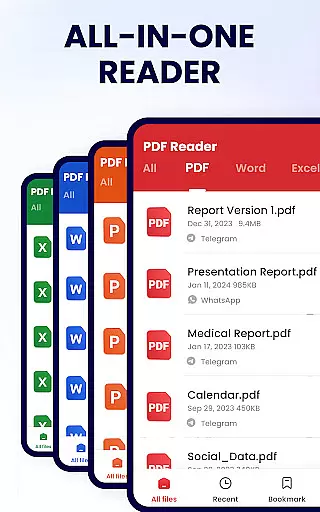
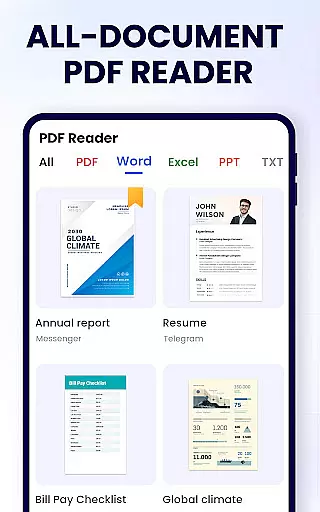
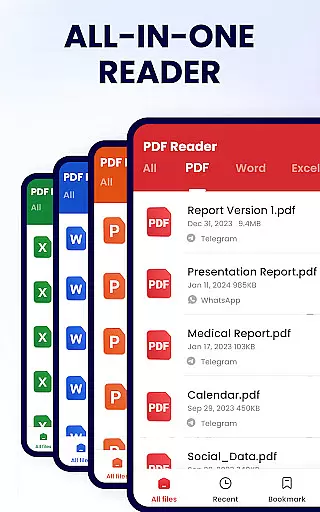
PDF Reader - PDF Viewer boasts an array of sophisticated features tailored to meet diverse user needs. One of its standout functionalities is the auto-search feature that displays all PDF files on your device, allowing quick access and easy organization. Users can enjoy seamless navigation through simple lists or search functions to locate specific documents swiftly.
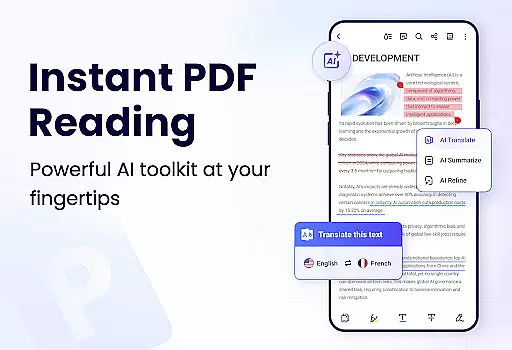
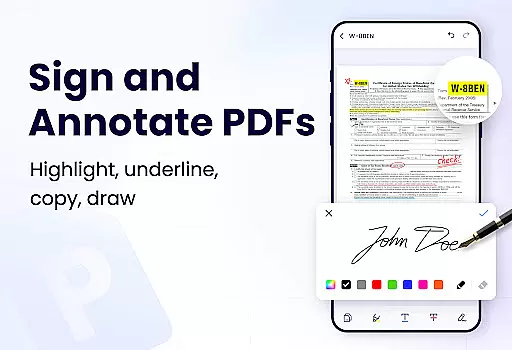
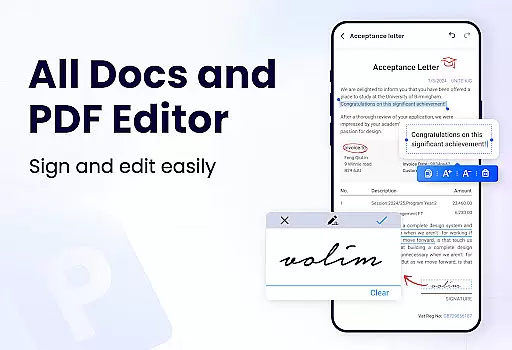
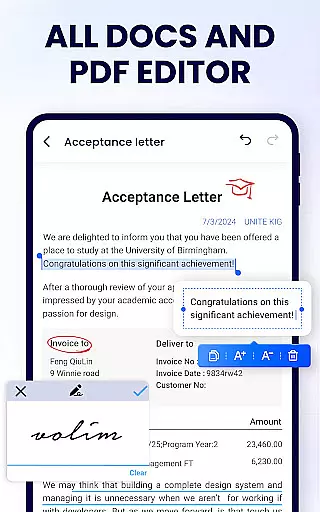
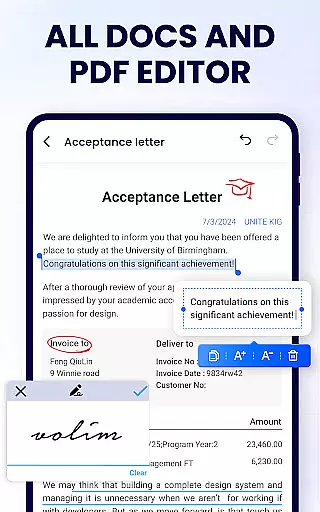
This app provides multiple viewing options like page by page, continuous scroll, horizontal, vertical, and full-screen modes, catering to different preferences and optimizing readability. Advanced editing tools enable users to annotate, highlight, underline, strikethrough, and even doodle on PDF pages. These features ensure that users can personalize their interaction with documents while maintaining professional standards.
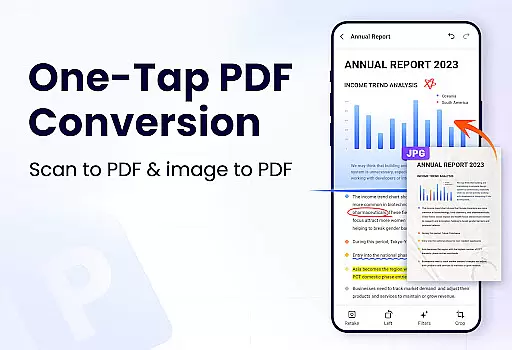
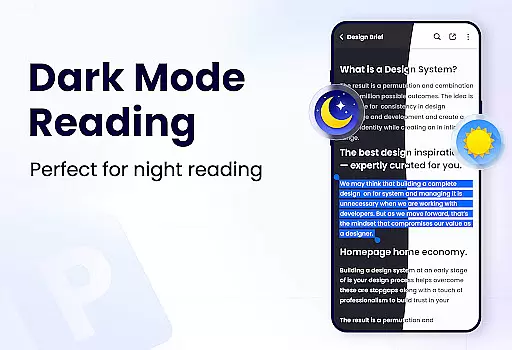
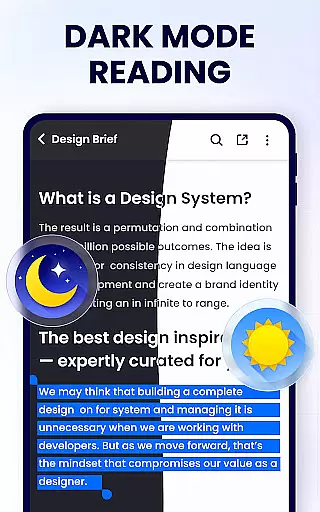
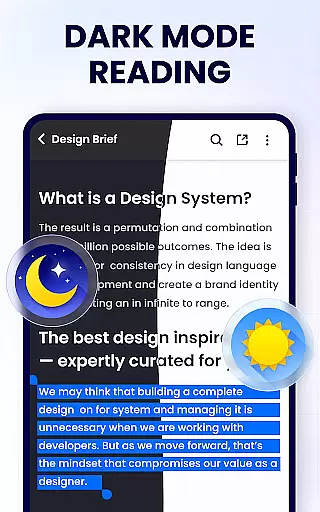
Furthermore, the app includes robust management capabilities such as merging and splitting PDFs, setting protective passwords, bookmarking pages, and sharing files across various platforms. With future updates promising dark mode, compression, form filling, e-signatures, page manipulation, scanning, and format conversion, PDF Reader - PDF Viewer continues to evolve, ensuring it remains a top choice for Android users seeking a versatile PDF solution.
In the realm of productivity, managing tasks efficiently is paramount, and the PDF Reader - PDF Viewer excels in this area by offering a suite of features that streamline document handling. This application allows users to not only view PDFs but also manage them with functionalities such as merging, splitting, and renaming files. These capabilities ensure that documents are organized in a manner that enhances workflow and reduces clutter.
The app's ability to auto-search and display all PDF files on a device simplifies the task management process. Users can quickly open, read, and retrieve any document they need without sifting through folders. The inclusion of bookmarks further augments this feature, allowing for quick reference points within larger documents, thus saving time and improving efficiency.
Moreover, the PDF Reader - PDF Viewer provides options for setting passwords on sensitive documents, adding a layer of security to task management. This ensures that confidential information remains protected while still being easily accessible to authorized users. Such security measures are crucial in maintaining data integrity and privacy in both personal and professional settings.
By integrating efficient file management with user-friendly navigation, the app delivers an experience that empowers users to handle their documents with ease. Whether it's for work or study, the ability to swiftly manipulate and secure PDF files makes this app an indispensable tool for anyone looking to enhance their productivity.
Cross-device synchronization is a vital component of modern productivity tools, enabling seamless transitions between different devices. The PDF Reader - PDF Viewer addresses this need by ensuring that users can access their PDF documents from any device with consistent reliability. This means that whether you're switching from your phone to a tablet or a computer, your files remain up-to-date and readily available.
While the current feature set of the PDF Reader - PDF Viewer does not explicitly detail cross-device sync capabilities, its robust file management system lays a solid foundation for such functionality. With options like recent file lists and easy sharing via social media platforms, the groundwork is laid for reliable synchronization across devices, which could be implemented through cloud services or similar technologies.
Furthermore, the lightweight nature of the app at only 12MB suggests that future updates may incorporate enhanced synchronization features without compromising performance. As more features are introduced, such as dark mode and PDF compression, the potential for reliable cross-device interaction becomes increasingly promising.
For users seeking a dependable solution for managing PDFs across multiple devices, the prospect of integrated synchronization within the PDF Reader - PDF Viewer presents an exciting opportunity. As the app continues to evolve, it aims to provide a cohesive ecosystem where documents are always synchronized and accessible, regardless of the device in use.
User-friendly interface
Comprehensive editing tools
Secure document management
Lightweight application size
Versatile file sharing options
Limited advanced features in free version
Occasional ads may disrupt workflow
Advanced tools require learning curve
Some features still under development
External storage permission needed

Wake up & get tasks done! Add alarms & reminders on the Clock Launcher.
 4.00
4.00
Automates browsing any website and notifies you of important changes or events
4.30
aCalendar+ makes your day, week and month
4.70
Todo reminder
4.10
PDF scanner & converter for files, photos, lottery, QR codes. One swipe away!
4.50
Enjoy classic gameplay with customizable features and retro-style graphics.
4.30
Calendar 2023 widget for Android. Appointment scheduler, planner, and reminder
4.60
Secure your apps with lock screens, use custom themes and different features.
4.40
Set up, print, and get support—in one place
4.20
Best Tool for the professionals Electrician, Electrical contractors, etc.
4.90
Secure, fast, open-source, VNC and SSH Remote Desktop for Windows, Linux and Mac
4.70
Quickly and easily keep track of your work shifts
4.70
The Pro Version of Android's tiniest Notepad app. Just 0.3MB but feature-packed!
4.60
Share files & memories safely. Keep your photos and videos secure.
4.40
Device's storage information in a simple and clear graphical form (infographics)
4.10
Cloud storage, automatic phone backup, and more.
4.10
Create and edit presentations with Google Slides, part of Google Workspace.
4.00
The ultimate file manager for rooted devices. The original and still the best.
4.00
Auto-shutoff Alarm with Sunrise, Sunset & Fixed Options.
3.50



User Reviews