QR & Barcode Scanner is a versatile productivity tool designed to streamline various scanning tasks. This all-in-one app allows users to scan QR codes, barcodes, coins, banknotes, food labels, and documents with remarkable speed and accuracy. Whether you're managing inventory, collecting currency, tracking nutrition, or digitizing paperwork, this scanner handles it all efficiently.
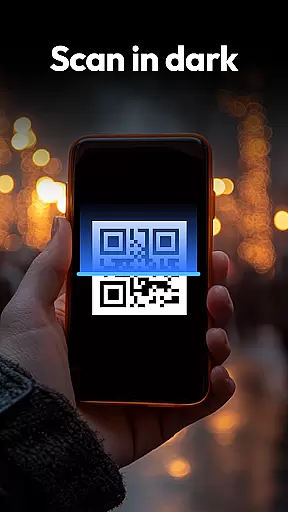
The app stands out with its specialized features like coin and currency recognition for collectors, a food scanner for healthier choices that provides instant nutritional information, and a document-to-PDF scanner for turning physical papers into digital copies. With privacy-first design, requiring only camera access, and smart functionalities such as auto-zoom and flashlight for dark environments, it ensures a seamless user experience across different scenarios.
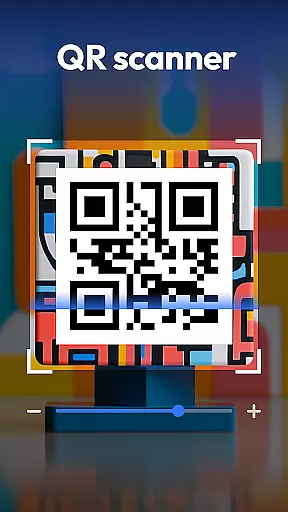
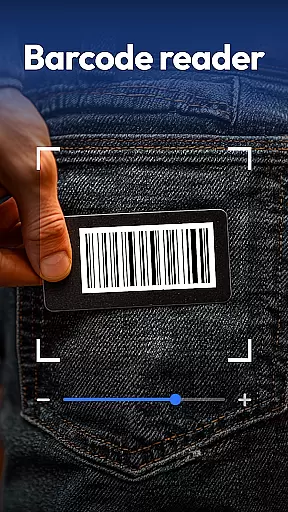
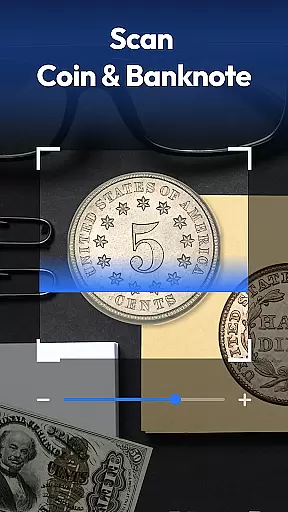
QR & Barcode Scanner offers an extensive range of features that cater to diverse scanning needs. It supports all major formats including QR, Data Matrix, UPC, EAN, Code 39, and more. The coin and banknote identifier is particularly useful for collectors and travelers who need to identify rare finds or foreign currency.
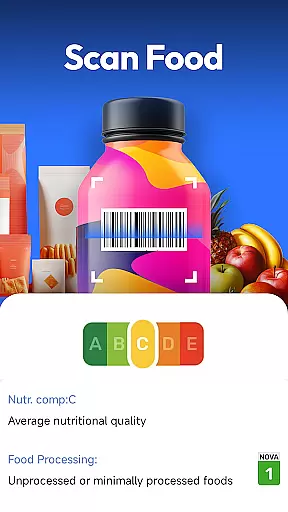
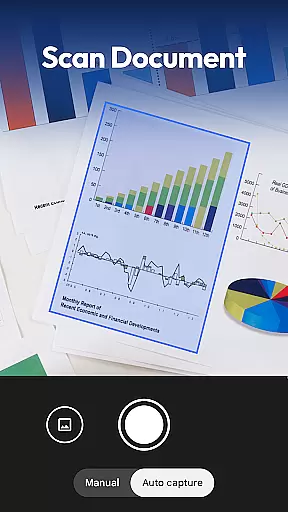
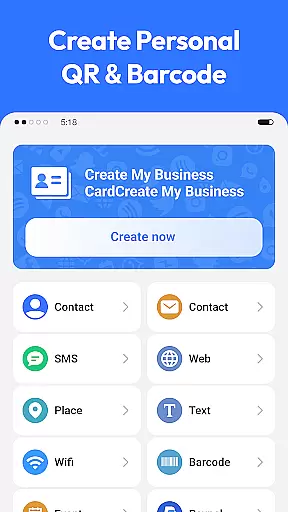
For health-conscious users, the food scanner provides detailed nutritional information, highlighting allergens and additives. The document scanner converts paper documents into searchable PDFs, making it ideal for organizing receipts, notes, and contracts digitally. Additionally, the QR code generator lets users create Wi-Fi, contact, and URL QR codes effortlessly, enhancing connectivity and sharing capabilities.
Task management is essential for productivity apps, and QR & Barcode Scanner excels in organizing various scanning tasks efficiently. This app consolidates multiple functions including QR code, barcode, coin, banknote, food label, and document scanning into one streamlined interface.
The app's design ensures that users can swiftly transition between different scanning modes without losing track of their primary objectives. With features like auto-zoom, flashlight activation for low-light conditions, and a detailed scan history, it simplifies the way users manage their scanning-related tasks.
For those who need to keep an eye on nutritional information or digitize paper documents, this app provides timely and accurate solutions. Users can easily generate QR codes for Wi-Fi, contacts, and URLs, making digital sharing effortless and enhancing workflow efficiency.
By integrating advanced recognition technologies with user-friendly functionalities, QR & Barcode Scanner not only boosts productivity but also empowers users to accomplish more with less effort, ensuring they stay focused and organized.
Cross-device synchronization is crucial for maintaining consistency across multiple devices, and QR & Barcode Scanner offers reliable performance in this aspect. The app ensures that your scan history, generated QR codes, and other important data are seamlessly synchronized, allowing you to access them from any device at any time.
With its privacy-first approach, the app requires only camera access and refrains from seeking unnecessary permissions. This enhances user trust and guarantees that personal information remains secure during cross-device usage.
Whether you're scanning product barcodes to compare prices or digitizing receipts and notes, the app's synchronization feature ensures that all your data is up-to-date and readily available. This means no more lost scans or duplicated efforts when switching between your smartphone, tablet, or other Android devices.
By prioritizing both functionality and security, QR & Barcode Scanner delivers a dependable cross-device experience that supports users in staying productive and connected, regardless of the device they choose to use.
Fast scanning
All-in-one solution
Privacy-focused
User-friendly interface
Versatile scanning options
Limited customization
No cloud backup
Occasional ads
Heavy on battery
Requires good lighting

Auto-shutoff Alarm with Sunrise, Sunset & Fixed Options.
 3.50
3.50
Ads Free App! Editor, Hide File, Copy, Move, Delete and Rename.. all facility av
1.70
The Pro Version of Android's tiniest Notepad app. Just 0.3MB but feature-packed!
4.60
IP Camera Viewer - Android TV : RTSP Surveillance camera viewer for Android TV
4.4
Cloud storage, automatic phone backup, and more.
4.10
Functional QR scanner and barcode reader that requires little storage space.
4.60
Great calculator for Android named one of USA TODAY's "25 Essential Apps".
4.90
Secure your apps with lock screens, use custom themes and different features.
4.40
Ultimate Virtual AI Character for immersive Roleplay Chat. Perfect Companion
3.90
Multilingual translator for text, voice, and image translation!
4.90
Scientific calculator for Android - looks and operates like the real thing!
4.90
Use powerful, industry-leading AI tools to generate visual charts from any data
4.80
Scan paperwork into PDF/JPG, generate your own e-signature and send fax or email
4.70
PDF scanner & converter for files, photos, lottery, QR codes. One swipe away!
4.50
Translate text/voice/photos in 150+ languages. Offline & fast translator app.
4.50
Device's storage information in a simple and clear graphical form (infographics)
4.10
Find and delete junk files & block unwanted notifications & manage files
3.70
ID.me Authenticator is a simple and free Two Factor Authentication solution
3.50
Experience and share your SolidWorks designs on your Android® phone and tablet.
2.50



User Reviews