
Google Docs is a powerful productivity application that allows users to create, edit, and collaborate on documents directly from their Android devices. The app supports real-time collaboration, enabling teams to work together seamlessly by sharing documents, leaving comments, and assigning action items without any delays. With its offline mode functionality, Google Docs ensures that users can capture ideas and complete tasks even without an internet connection. Additionally, the app provides easy-to-use templates that save time and enhance document quality. Google Docs also supports multiple file types, including Microsoft Word files, and offers seamless conversion and export options.
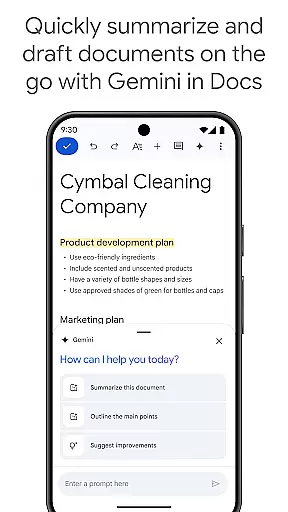
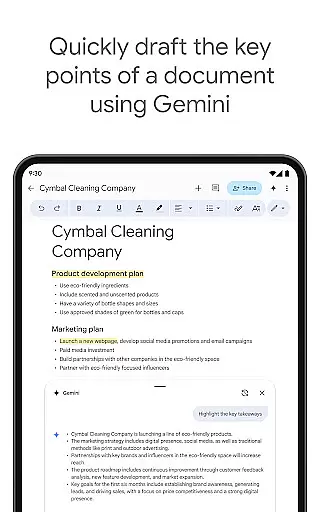
As part of Google Workspace, Google Docs integrates with other services, providing a comprehensive environment for team communication and project management. Paid subscribers gain access to advanced features powered by AI, such as content drafting assistance through Gemini, writing improvement suggestions, and tools for creating custom images. These capabilities make Google Docs an essential tool for individuals and teams looking to streamline their document workflows while maintaining high standards of quality and efficiency.
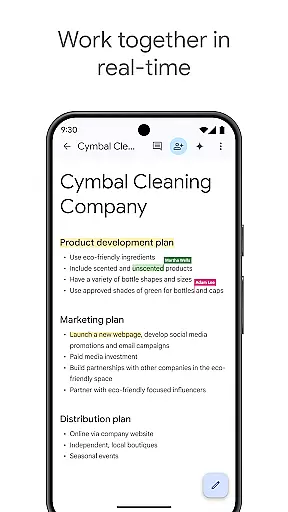
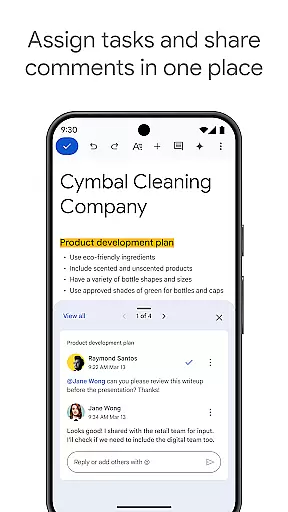
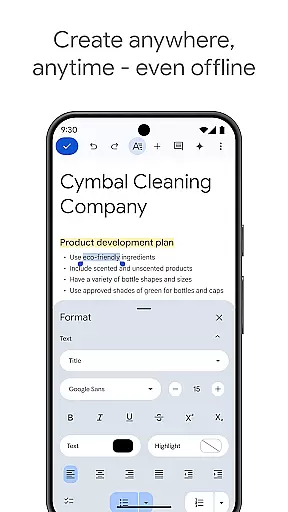
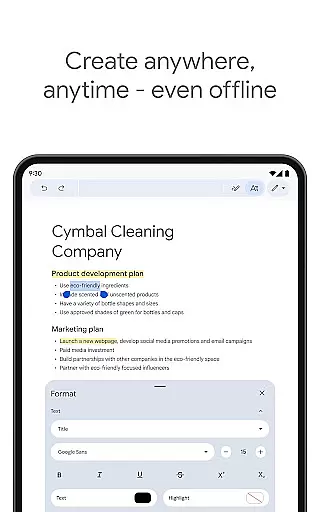
One of the standout features of Google Docs is its robust real-time collaboration capability. Users can share documents instantly with team members, allowing everyone to view changes, leave feedback, and assign tasks simultaneously. This feature eliminates version control issues and fosters efficient teamwork. Another notable aspect is the app's offline mode, which lets users draft and edit documents without needing an active internet connection. Once reconnected, all changes sync automatically, ensuring no data loss or interruptions in workflow.
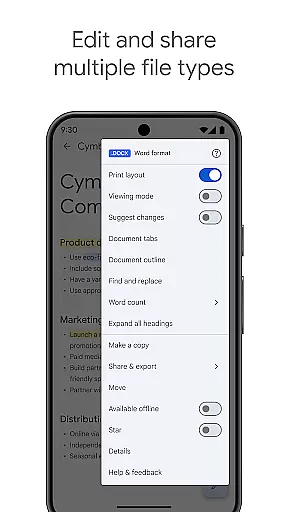
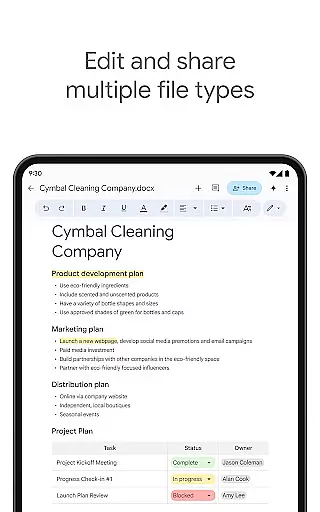
Google Docs also excels in handling various file formats. It supports not only native Google Docs files but also Microsoft Word documents, making it versatile for users who interact with different platforms. The app’s seamless integration with Google Workspace enhances its utility further, offering additional functionalities like AI-driven writing suggestions and image creation tools for paid subscribers. These features collectively contribute to a smooth, flexible, and highly productive user experience, setting Google Docs apart as a leading choice for document management and collaboration.
Google Docs excels in core task management by providing a comprehensive suite of tools designed to streamline document creation and collaboration. The app allows users to create, edit, and collaborate on documents in real time, ensuring that teams can work together efficiently regardless of their physical location.
The application supports seamless integration with other Google Workspace tools, enhancing productivity through features like real-time editing, commenting, and assigning action items. This ensures that all team members are on the same page and can contribute to the document's development without any hindrance.
Moreover, Google Docs offers offline mode capabilities, allowing users to continue working on their documents even without an internet connection. This feature is particularly beneficial for individuals who are frequently on the move and may not always have access to stable internet connectivity.
By incorporating easy-to-use templates, Google Docs saves users time and adds a professional touch to their documents. These templates cover a wide range of categories, from business plans to creative writing, ensuring that users can find the right format for their specific needs.
Cross-device synchronization is a critical feature of Google Docs, ensuring that users can access their documents from any device at any time. Whether switching between a phone, tablet, or computer, users can expect their work to be up-to-date and consistent across all platforms.
This reliability is maintained through Google's robust cloud infrastructure, which automatically saves and syncs documents in real time. As a result, users never have to worry about losing their progress or working on an outdated version of a document.
In addition to basic synchronization, Google Docs supports frictionless collaboration across different applications. Team members can work together on documents, even if they are using different software, such as Microsoft Word. This flexibility ensures that everyone can contribute without compatibility issues.
For paid subscribers of Google Workspace, advanced features powered by AI further enhance cross-device functionality. These include AI-powered suggestions to improve writing and the ability to create unique images to customize documents, making Google Docs a versatile tool for both personal and professional use.
User-friendly interface
Real-time collaboration
Offline editing
Wide format support
AI-powered enhancements
Limited free features
Requires Google account
Occasional sync issues
No advanced formatting
Dependent on internet

A Revolutionary All-in-One Artificial Intelligence Tools
 3.80
3.80
Create study competitions, track your hours, and stay consistent with friends
4.1
Mega cloud explorer plugin for Solid Explorer
3.80
Wake up & get tasks done! Add alarms & reminders on the Clock Launcher.
4.00
Send files, sync SMS, notifications & clipboard across devices via local network
4.40
The Pro Version of Android's tiniest Notepad app. Just 0.3MB but feature-packed!
4.60
Docker, Kubernetes management over Portainer Mobile
4.40
To do list widget with a notebook organizer, checklist, simple shopping list
4.60
Use powerful, industry-leading AI tools to generate visual charts from any data
4.80
Secure, fast, open-source, VNC and SSH Remote Desktop for Windows, Linux and Mac
4.70
aCalendar+ makes your day, week and month
4.70
A beautiful digital clock with autostart and many other functions
4.70
Secure, fast, open-source, Remote Desktop Client for Windows and Linux with SSH
4.60
Functional QR scanner and barcode reader that requires little storage space.
4.60
Calendar 2023 widget for Android. Appointment scheduler, planner, and reminder
4.60
Fill, sign & send docs, forms, agreements & contracts via electronic signature.
4.50
CalenGoo is a very flexible and feature-rich calendar app
4.40
Todo reminder
4.10
IP Camera Viewer - Android TV : RTSP Surveillance camera viewer for Android TV
4.3




User Reviews